OpenArt vs Higgsfield, By Decision Factor
| Decision Factor | OpenArt | Higgsfield |
|---|---|---|
| Entry plan (monthly) | Starter, $14/mo for 4,000 credits. Includes Seedance 2.5, Director mode, and OpenArt MCP from day one. | Starter, $19/mo for 270 credits. Video is Seedance 2.0 Fast only. Seedance 2.5 starts at Plus ($59/mo). |
| Mid plan (monthly) | Pro, $56/mo for 24,000 credits, with 32 parallel generations and commercial use rights. | Plus, $59/mo for 1,200 credits, with access to all models. |
| Top plan (monthly) | Wonder, $240/mo for 106,000 credits, with priority support and unlimited generation on select models. | Ultra, $129/mo for 3,000 credits, with access to all models. |
| Cost per video (mid plans) | Seedance 2.5 $1.52, Seedance 2.0 $0.93, MiniMax H3 $0.70, Kling 4.0 $1.40 (720p, 5 seconds, on Pro). | Seedance 2.5 $1.72, Seedance 2.0 $1.48, MiniMax H3 $0.98, Kling 4.0 $0.68 (720p, 5 seconds, on Plus). |
| Primary workflow | Multi-scene projects: images, video, characters, and audio in one place, with Director mode for finished videos up to 5 minutes long. | Cinematic clips up to 30 seconds in Cinema Studio, plus preset studios for ads and AI influencers. |
| Camera and motion control | Camera movement presets (zoom, pan, orbit 360, follow shot, crane shot), Motion Control from a reference video, and Camera Angle Control for images. | Cinema Studio 4.0: 30+ camera movement presets, plus lens, aperture, and lighting settings. Edit Video changes one detail, and Sequel and Prequel extend a clip. |
| Character and product consistency | OpenArt Characters starts from one photo. Add up to 3 extra angles, then reuse the character in images, video, Director mode, and Smart Shot. | Soul ID trains on 20 to 80 photos of one person and runs on Higgsfield's Soul 2.0 image model. |
| Image creation and editing | GPT Image 2.6, Nano Banana Pro, Seedream 5.0 Pro, and FLUX 3 Image, plus Edit Image, Extract Layers, background removal, and upscaling up to 10x. | Soul 2.0, Nano Banana Pro, Nano Banana 2, GPT Image 2.5, and Seedream 5.0 Pro, built mainly to feed video. |
| Multi-scene production | In Director mode, OpenArt builds a video up to 5 minutes long as one project, with consistent characters, voices, and music. | Multi-shot scenes in Cinema Studio, and Supercomputer, a chat tool that plans scenes and picks models for longer pieces. Supercomputer always uses credits. |
| Audio and dialogue | Create Music (Lyria 3), Create Sound Effects, Voice Clone, Voice Changer, Dub Video, and Lip Sync, plus native audio on Seedance 2.5, Veo 3.1, and Wan 3.0. | Native audio in Cinema Studio 4.0 and 3.0, plus voiceover, voice cloning, and translation. |
| Marketing content | Product ads, UGC ads, brand films, and social content in Director mode, plus Ad Remake, URL to Video, and Brand Kit. | Marketing Studio turns a product URL or image into UGC, unboxing, or TV-spot ads. |
| MCP and API | OpenArt MCP on every plan, Starter included, for ChatGPT, Claude, and Cursor. MCP generations use the same credits as the website. | Higgsfield MCP uses plan credits. Unlimited models and free generations work only on higgsfield.ai, not on MCP, CLI, Canvas, or Supercomputer. The Higgsfield API is billed separately per generation. |
OpenArt vs Higgsfield Pricing
A plan price only tells you part of the story. The number that matters is what one video costs you on each platform, at plans that cost about the same. Here are both platforms' US plans on monthly billing, then the cost of one 5-second video on each.
Get Up to 27% OffMonthly price shown · 4,000 credits / month
Monthly price shown · 270 credits / month
What Sets OpenArt Apart
OpenArt and Higgsfield take different approaches to the same job. Here is where that shows up in practice.
One character, many models
Build a character once from a single photo, and add up to 3 extra angles if you have them. OpenArt saves that character to your library, so you can reuse it in new images, videos, Director mode, and Smart Shot. The face stays recognizable when you switch models.
Built for full ad campaigns
In Director mode, OpenArt turns one brief into a finished multi-scene ad, product video, or UGC spot up to 5 minutes long. OpenArt plans the scenes, builds a storyboard, and adds voices and music. As an AI video generator for ads, OpenArt handles the whole job in one chat.
New models soon after they ship
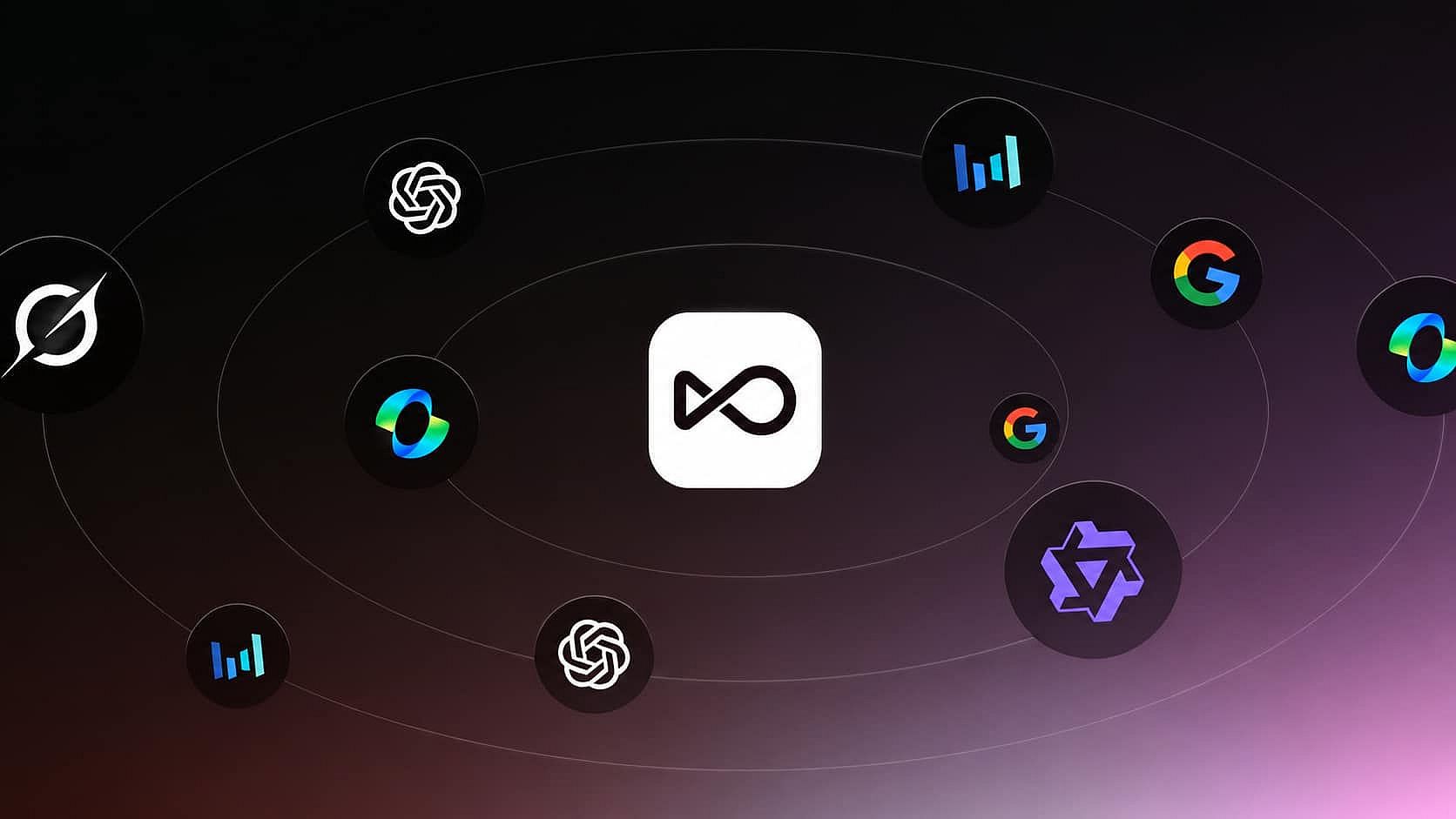
OpenArt adds new AI models soon after their makers release them. FLUX 3 Image went live on OpenArt the same day Black Forest Labs released it. Seedance 2.5, Wan 3.0, and Kling 4.0 sit in the same model picker, so you can test the newest model without opening a new account.
How to Create with OpenArt
Create AI Images and Videos with OpenArt in Simple Steps
Start with an image or a prompt
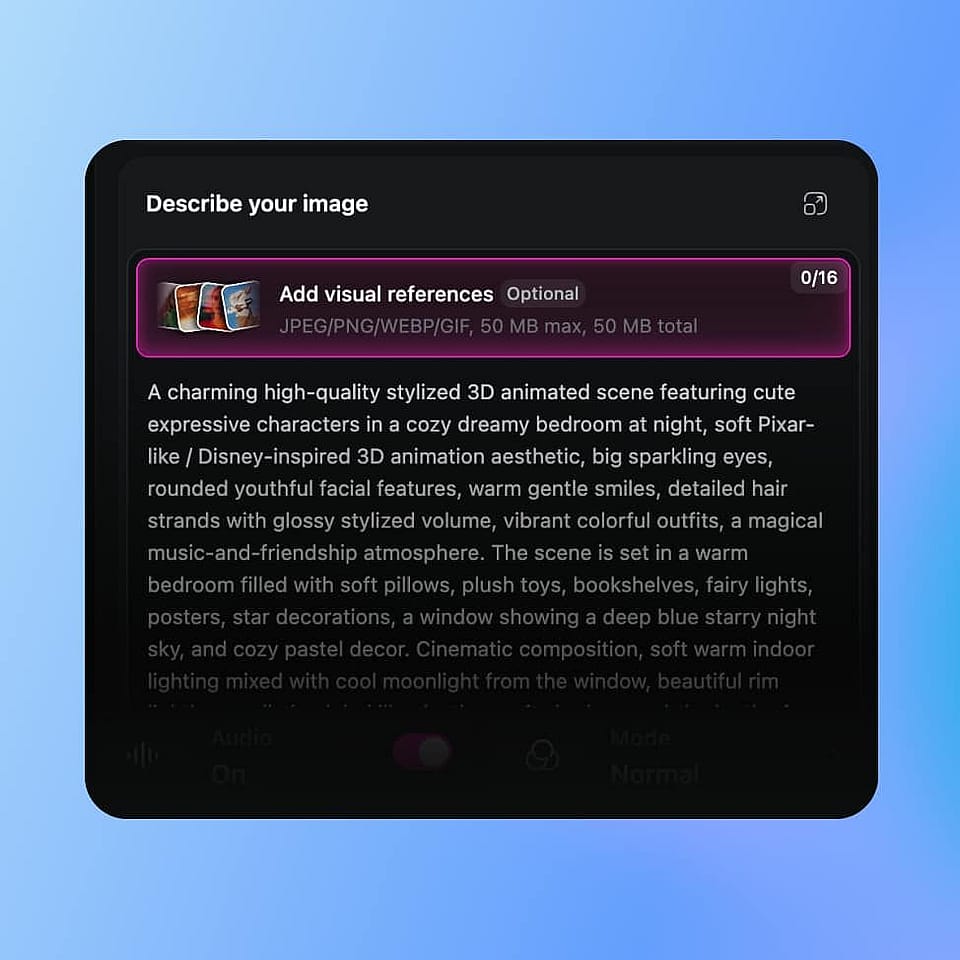
Upload one reference image to build a character, drop in a product photo, or type a description if you are starting from nothing.
Pick a model and generate
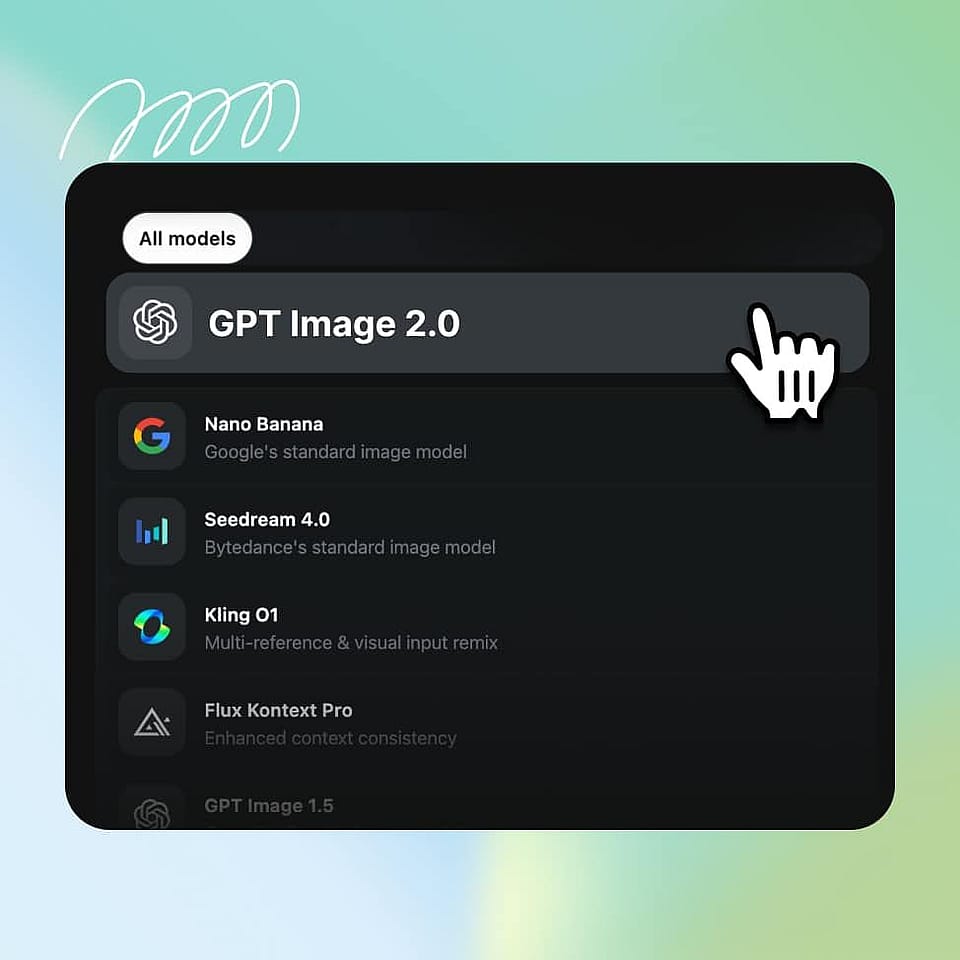
Choose a model such as Seedance 2.5, Kling 4.0, or Nano Banana Pro for the look you want. The credit cost shows on the Generate button before you run it.
Build it into a full project
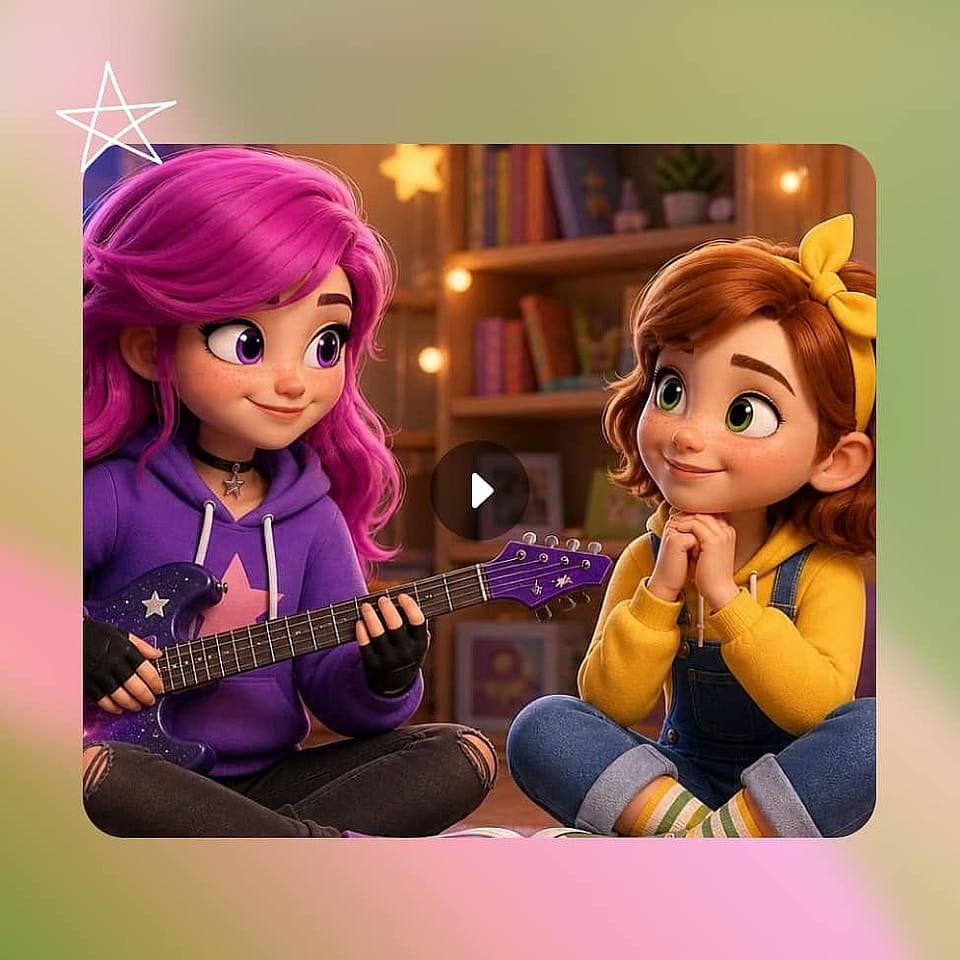
Use Director mode to turn one brief into a multi-scene video. Your saved characters and OpenArt Worlds locations carry into the next cut, the next size, or next week's ad.
Match This To How You Actually Work
Choose OpenArt if you are...
- A performance marketer running ads for several clients Build each client's character and product once, then reuse them across every new ad in Director mode.
- Trying it before you pay more Every new account starts with 40 free credits, no credit card. Seedance 2.5 is included from the $14/mo Starter plan.
- Tired of plans that lock features Every OpenArt plan, Starter included, gives you access to the same 100+ premium image, video, and audio models, Director mode, and OpenArt MCP.
- Starting from a brief, not a timeline Describe the video in plain words. In Director mode, OpenArt plans the scenes, builds the storyboard, and delivers a finished video up to 5 minutes long.
Higgsfield is a fit if you are...
- Producing short cinematic clips daily For social posts where one polished 30-second shot is the whole job.
- Setting every shot like a film set Cinema Studio 4.0 gives you lens, aperture, lighting, and 30+ camera movement settings on each clip.
- Running mostly on Kling 4.0 A 720p 5-second Kling 4.0 video costs $0.68 on Higgsfield Plus and $1.40 on OpenArt Pro.
- Already set on another image tool Higgsfield focuses on video and clips, so pairing it with a separate image tool is expected.
Frequently Asked Questions
Yes, OpenArt is the better choice for marketing teams, agencies, and filmmakers who make more than single clips. Every OpenArt plan includes Seedance 2.5, Director mode, and OpenArt MCP, from $14 a month. In Director mode, OpenArt turns one brief into a finished video up to 5 minutes long, with consistent characters, voices, and music.
A 720p 5-second Seedance 2.5 video costs $1.52 on OpenArt Pro and $1.72 on Higgsfield Plus, on monthly billing. That is $0.30 per second on OpenArt and $0.34 on Higgsfield. The video costs 650 credits on OpenArt and 35 on Higgsfield, so compare the dollar cost, never the credit count.
Higgsfield is worth it if you make short cinematic clips and want film-set controls on each shot. Cinema Studio 4.0 gives you lens, lighting, and camera settings, and Kling 4.0 costs less there. For multi-scene ads, recurring characters, and the lowest cost on Seedance 2.5, OpenArt gives you more for the same monthly price.
OpenArt is better for AI video when you need more than one clip. OpenArt runs Seedance 2.5, Kling 4.0, Veo 3.1, and Wan 3.0 in one plan, and three of the four main video models cost less per video than on Higgsfield. In Director mode, OpenArt turns one brief into a finished video up to 5 minutes long.
Both platforms have MCP. OpenArt MCP is included on every plan, works in ChatGPT, Claude, and Cursor, and uses the same credits as the website. Higgsfield MCP uses plan credits, and Higgsfield's Unlimited models and free generations do not work on MCP, CLI, Canvas, or Supercomputer. Higgsfield's API is billed separately per generation.
OpenArt is the best Higgsfield alternative for marketing teams, agencies, and filmmakers. One OpenArt plan covers image, video, and audio models, plus Director mode for finished multi-scene videos, from $14 a month.
It depends on the model. At similar plan prices (OpenArt Pro $56, Higgsfield Plus $59), a 720p 5-second Seedance 2.5 video costs $1.52 on OpenArt and $1.72 on Higgsfield. Seedance 2.0 and MiniMax H3 are also cheaper on OpenArt. Kling 4.0 is cheaper on Higgsfield, at $0.68 against $1.40. (Prices checked November, 2026.)
OpenArt Starter at $14 a month is the cheapest plan with Seedance 2.5. It includes 4,000 credits, which is about 6 Seedance 2.5 videos at 720p and 5 seconds. On Higgsfield, Seedance 2.5 starts with the Plus plan at $59 a month, because Starter only includes Seedance 2.0 Fast.
OpenArt is better for ads that run longer than one clip. In Director mode, you pick a product ad, UGC ad, or branding ad template, add your product and brand, and OpenArt delivers a finished multi-scene ad with voices and music. Higgsfield's Marketing Studio makes single UGC, unboxing, and TV-spot clips from a product URL or image.
OpenArt is better for consistent characters. OpenArt Characters starts from one photo, with up to 3 extra angles, and reuses the character in images, videos, Director mode, and Smart Shot. Higgsfield's Soul ID needs 20 to 80 photos of one person and trains on its own Soul 2.0 model.
Both platforms limit unlimited generation to select models on their website. OpenArt's unlimited generation is for Pro and Wonder members on the models and dates listed on the pricing page, and it does not apply through MCP or the CLI. Higgsfield's Unlimited models work only on higgsfield.ai, not on MCP, CLI, Canvas, or Supercomputer, and Kling 4.0 always uses credits.
Loved by Creators Worldwide
See what our community has to say
I've tried many AI platforms… but OpenArt is still the best for character creation, image-to-video quality, and the variety of models available.
OpenArt offers an excellent array of AI tools… once you learn the features, the creative possibilities are amazing - and their support team is outstanding.
OpenArt is a very versatile AI platform with many image and video models, consistent character creation, and powerful editing tools.
Helpful AI tools all in one place - image and video generation, editing, and more… no need for multiple subscriptions.
Customer service is always quick and helpful… and the platform keeps getting better with new features and tools.
I've tried many AI platforms… but OpenArt is still the best for character creation, image-to-video quality, and the variety of models available.
OpenArt offers an excellent array of AI tools… once you learn the features, the creative possibilities are amazing - and their support team is outstanding.
OpenArt is a very versatile AI platform with many image and video models, consistent character creation, and powerful editing tools.
Helpful AI tools all in one place - image and video generation, editing, and more… no need for multiple subscriptions.
Customer service is always quick and helpful… and the platform keeps getting better with new features and tools.
I've tried many AI platforms… but OpenArt is still the best for character creation, image-to-video quality, and the variety of models available.
OpenArt offers an excellent array of AI tools… once you learn the features, the creative possibilities are amazing - and their support team is outstanding.
OpenArt is a very versatile AI platform with many image and video models, consistent character creation, and powerful editing tools.
Helpful AI tools all in one place - image and video generation, editing, and more… no need for multiple subscriptions.
Customer service is always quick and helpful… and the platform keeps getting better with new features and tools.
With so many AI platforms out there, OpenArt stood out as a stellar choice - I'd recommend it to any creator.
This platform includes everything you need for AI content creation - images, video, characters, audio, and multiple AI models in one place.
OpenArt is pushing the boundaries of AI video creation… and it's clear the team is committed to improving the creator experience.
I made my first AI music video with OpenArt… and their support team was the best help I've ever experienced.
I'm very happy with the support - my issue was resolved quickly and the team made the process easy.
With so many AI platforms out there, OpenArt stood out as a stellar choice - I'd recommend it to any creator.
This platform includes everything you need for AI content creation - images, video, characters, audio, and multiple AI models in one place.
OpenArt is pushing the boundaries of AI video creation… and it's clear the team is committed to improving the creator experience.
I made my first AI music video with OpenArt… and their support team was the best help I've ever experienced.
I'm very happy with the support - my issue was resolved quickly and the team made the process easy.
With so many AI platforms out there, OpenArt stood out as a stellar choice - I'd recommend it to any creator.
This platform includes everything you need for AI content creation - images, video, characters, audio, and multiple AI models in one place.
OpenArt is pushing the boundaries of AI video creation… and it's clear the team is committed to improving the creator experience.
I made my first AI music video with OpenArt… and their support team was the best help I've ever experienced.
I'm very happy with the support - my issue was resolved quickly and the team made the process easy.
Create without limits
Join thousands of creators using OpenArt to generate stunning images, videos, and more — all in one platform.
Get Started for Free →Get Insights from Experts Blog
Get the insights you need. Our experts share actionable hacks, break down the hottest topics, and provide essential how-to guides to help you create, optimize, and scale.
Read More