

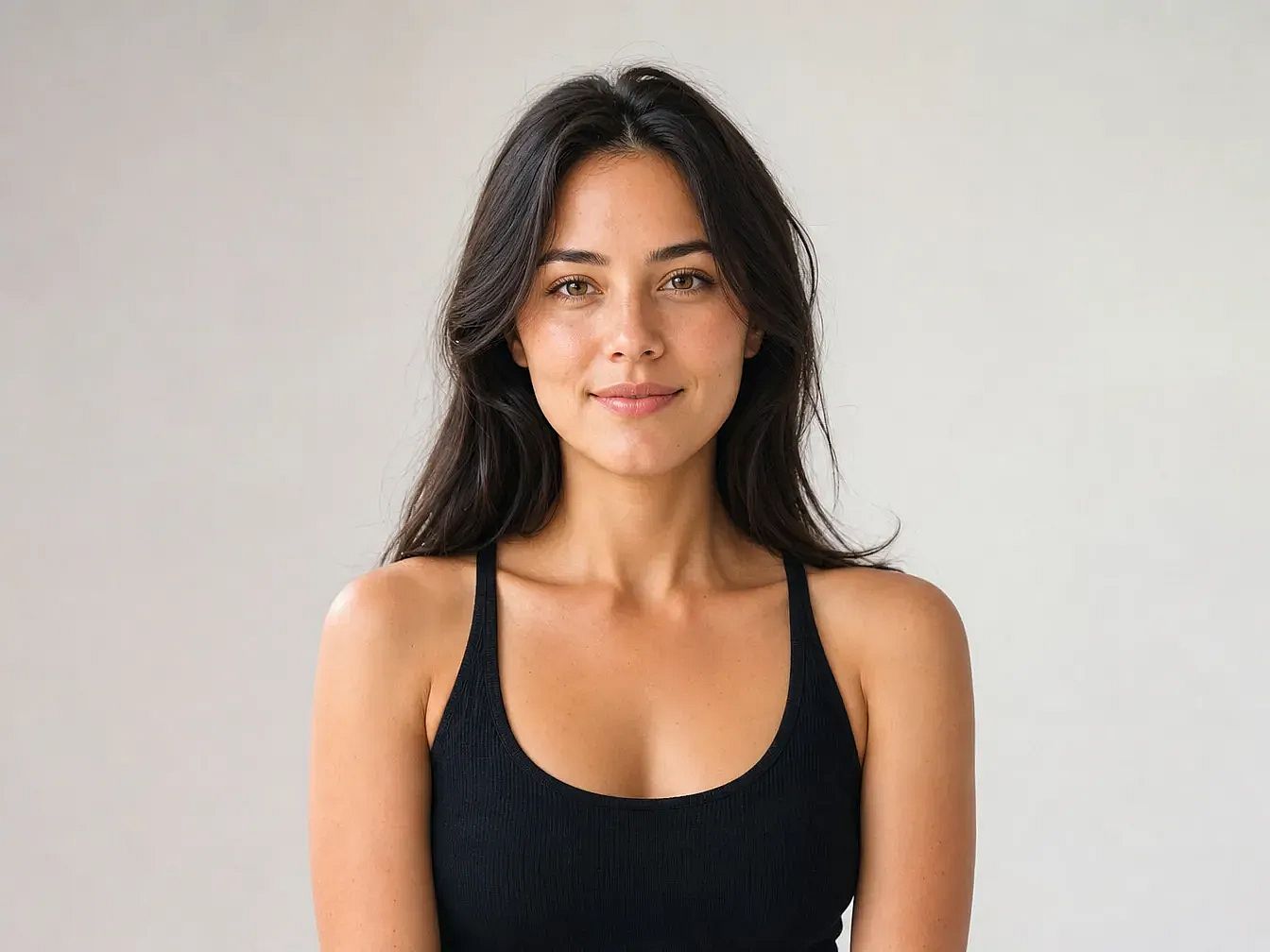
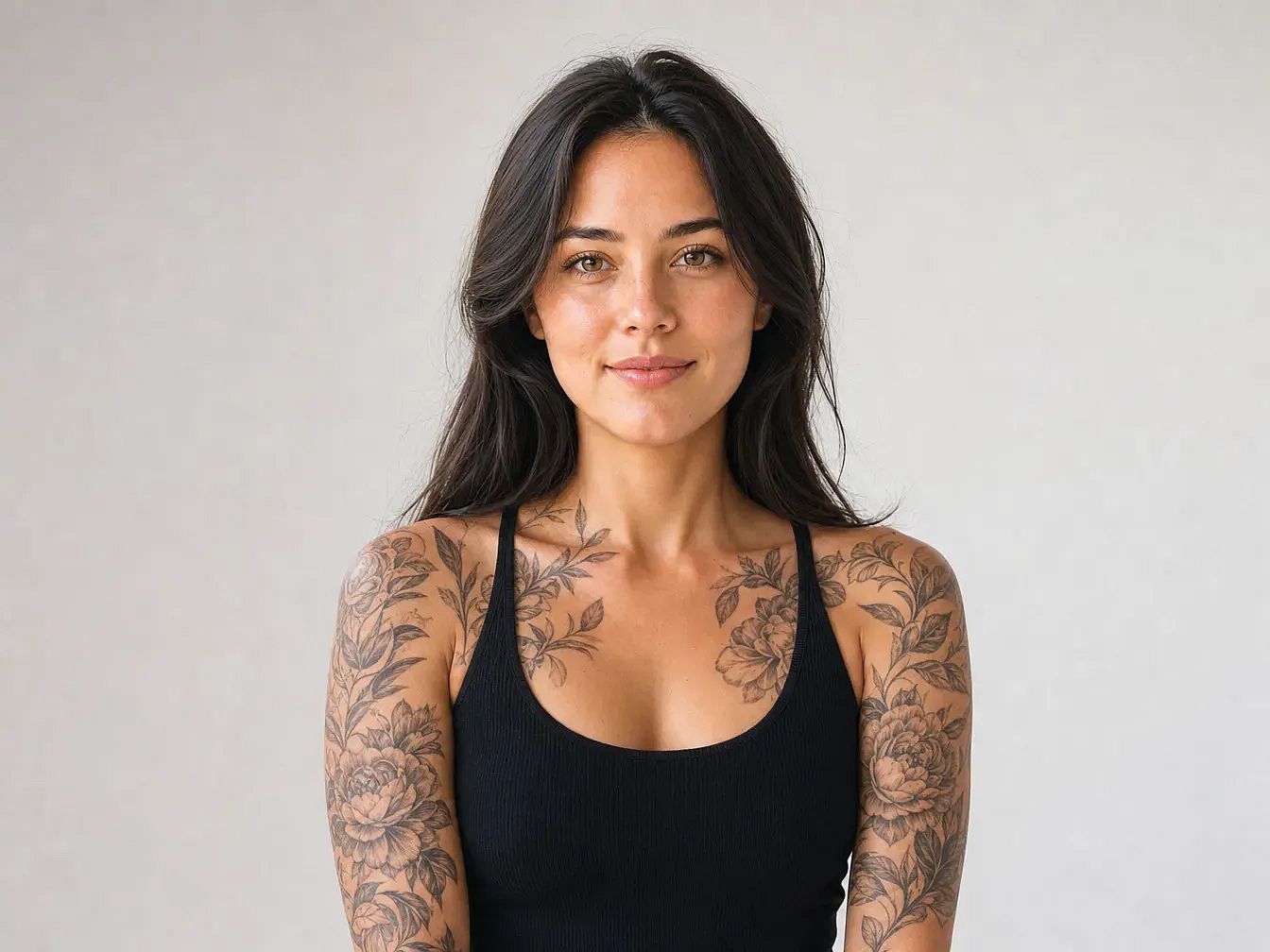
Add Tattoo to Photo
Add a tattoo to a photo in seconds and see how any design looks on your skin. Highlight a spot, describe the tattoo, and OpenArt blends it onto your body like real ink.
 Add an image Or drag and drop here · JPEG, PNG, WEBP, HEICJPEG, PNG, WEBP, HEIC
Explore More Trending Templates
Explore a mix of ideas, styles, and possibilities to get you started.




Frequently Asked Questions
Upload your photo to OpenArt and select where you want the tattoo. Describe the design in text. The AI renders it on the skin with realistic lighting and contours.
OpenArt gives you free credits to start. You can generate several tattoo designs at no cost, then upgrade for higher resolution or more renders.
Yes, if you have a paid plan. Free-tier images are for personal use. Pro and Studio subscriptions include commercial rights.
Yes. Change your text prompt or adjust the design details to generate new variations. Each render takes seconds.
The AI handles traditional, realism, blackwork, tribal, minimalist line art, watercolor, and more. Describe the style in your prompt for best results.
The AI adapts to skin tone, body contours, and lighting in your photo, so tattoos blend naturally. Results improve with clear, well-lit portraits.