
AI Copyright and IP Safety Check
OpenArt's IP Safety Check tool scans your images and videos for matches to logos, brand designs, and famous faces before you publish. Check up to 32 files at once, including files made outside OpenArt, and get a result and a PDF report for each one.
Key Features of IP Safety Check
Scan for Logos, Brands, and Famous Faces
OpenArt's IP Safety Check compares your image or video against known protected material, like logos, brand designs, and the faces of well-known people. A sneaker in a product shot can come out with a real brand's logo on it. A made-up spokesperson in an ad can end up looking like a real actor. IP Safety Check flags matches like these so you can fix the file before anyone else sees it.
Check a Full Set of Ads at Once
OpenArt's IP Safety Check takes up to 32 images and videos in one check. Drop in every version of an ad, a whole client delivery, or all the clips for a campaign. Each file gets its own Detected or Undetected result and its own PDF report. You can see right away which files are ready to use and which ones need another look.
Check Files Made Outside OpenArt
OpenArt's AI copyright checker works on any image or video, wherever the file comes from. Upload files from other AI tools, freelancers, stock sites, or your own camera, or pick files you already saved in OpenArt with Choose from Assets. Images can be JPEG, PNG, or WEBP files up to 50 MB each. Videos can be MP4 or MOV files up to 200 MB each.
Get a Clear Result for Every File
OpenArt's IP Safety Check marks each file Detected or Undetected and shows a match confidence score. Every video result also comes with a frame timeline. Each file gets a PDF report with precise highlights that you can save and send to your brand or legal team. IP Safety Check also saves every checked file to your Assets, so the files and their results stay together.
How to Use AI IP Check
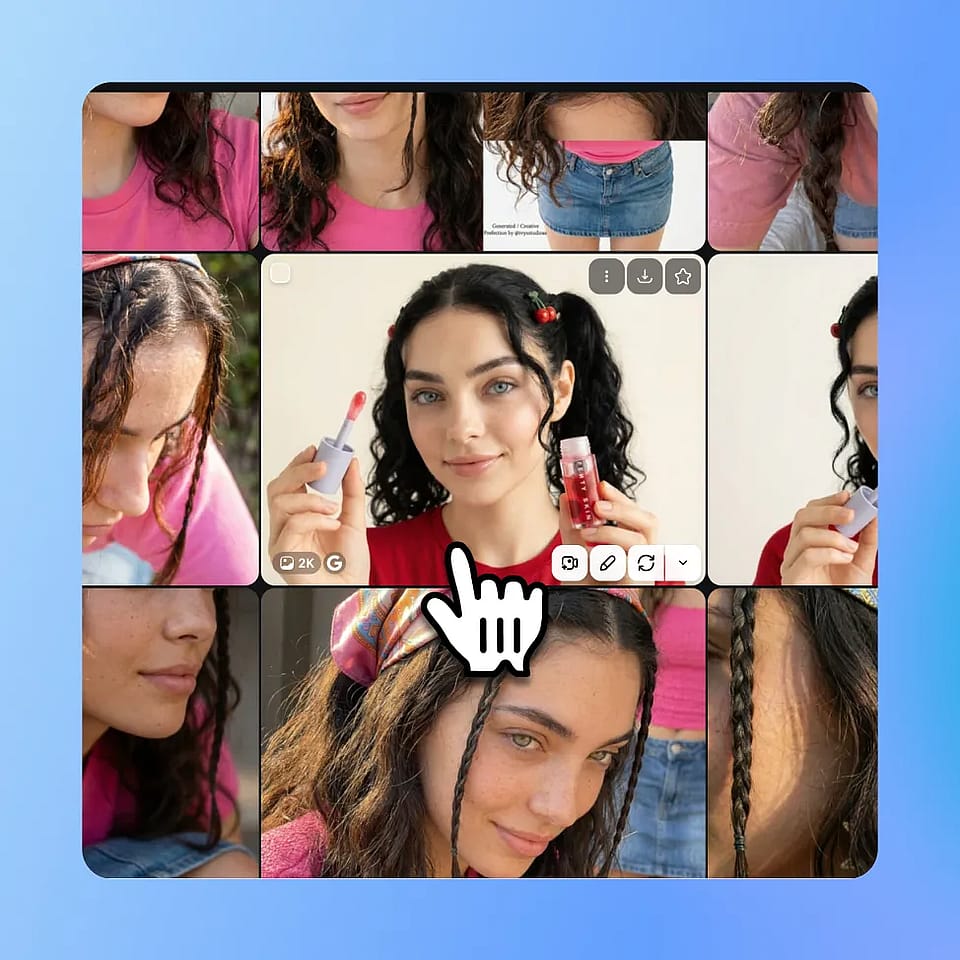
Open the tool
Go to the Image or Video tools in OpenArt and choose IP Safety Check.
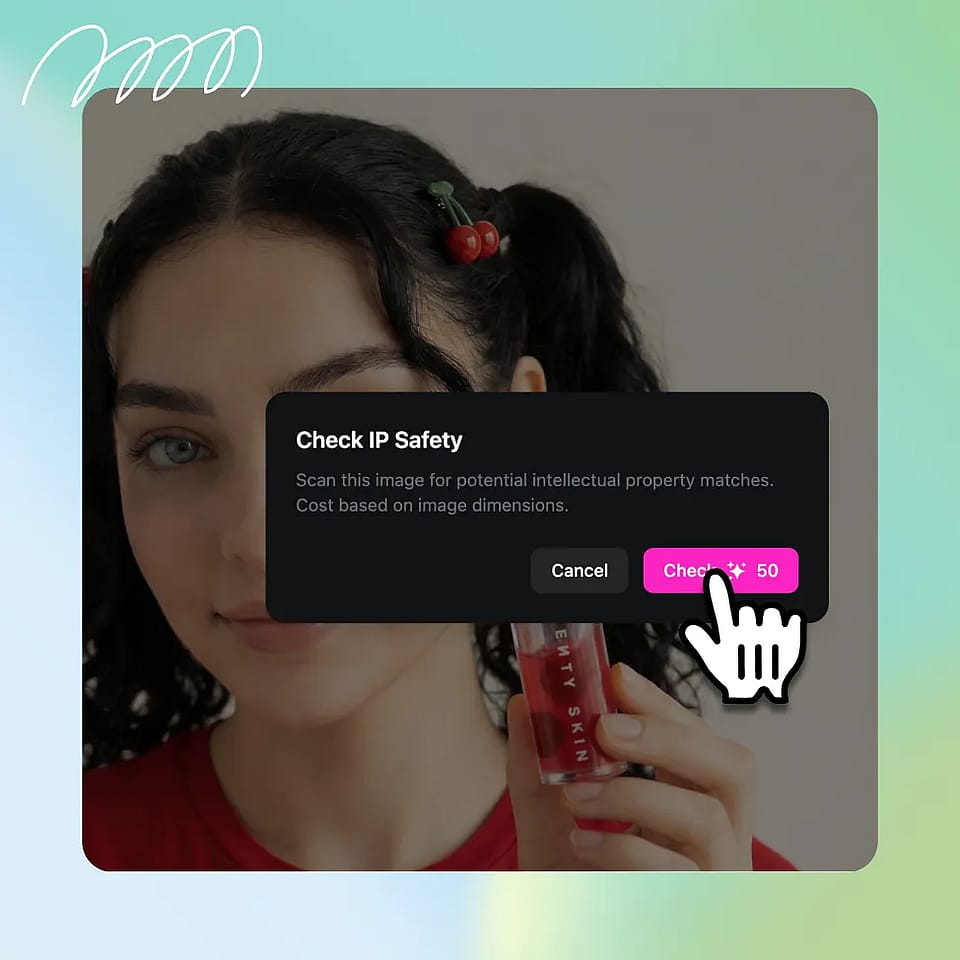
Upload your files
Upload or drop up to 32 images and videos, or click Choose from Assets to pick files you already have in OpenArt.
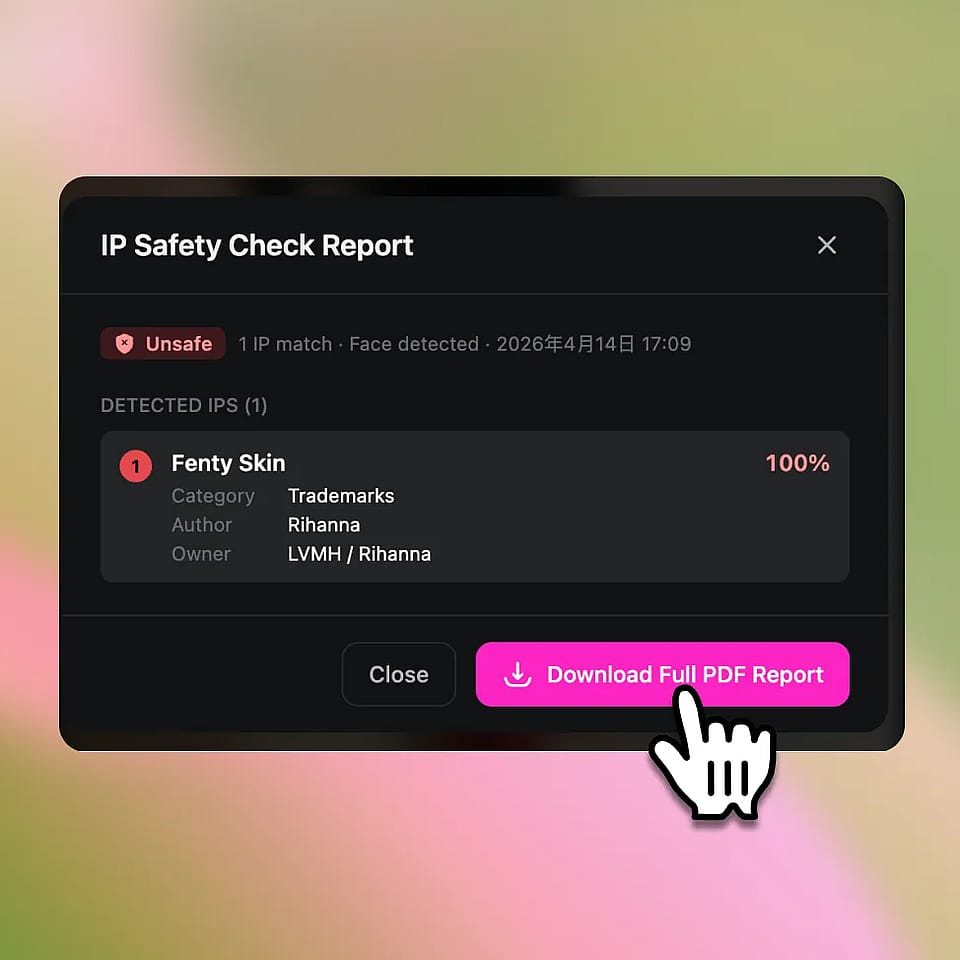
Run the check
Click Check IP Safety. Read the result for each file and download the PDF report for any file you need to share.
Built for Safe and Scalable Content Creation
Understand potential risks before using visuals across creative, commercial, and enterprise workflows.
Performance Marketers
Performance marketers make dozens of ad versions for every campaign. OpenArt's IP Safety Check checks up to 32 of those images and videos at once, so the whole set gets checked before any ad budget is spent. A version that comes back Detected can be fixed or dropped before it goes live. The rest of the set moves ahead on schedule.
Try it NowBrand and Creative Teams
Brand and creative teams get images and videos from many places: the OpenArt AI image generator, freelancers, and stock sites. OpenArt's IP Safety Check checks all of those files in one place, wherever they came from. Each file gets a PDF report your team can attach to its brand or legal review. Reviewers get the result in writing and spend less time checking every file by eye.
Try it NowAgencies and Professionals
Agencies need every file they send to a client to be safe to publish. OpenArt's IP Safety Check gives agency teams a quick check on images and videos before each delivery. The PDF report for each file can go to the client with the work. Clients can read the result for every file before they publish it.
Try it NowFilmmakers and Production Teams
Video clips can pick up IP problems in places that are easy to miss, like a logo on a prop or a poster on a background wall. OpenArt's IP Safety Check checks MP4 and MOV videos up to 200 MB and adds a frame timeline to every video result. Filmmakers can check clips from the OpenArt AI video generator or from their own shoot. A clip that comes back Detected can be fixed before the final edit is locked.
Try it NowFrequently Asked Questions
AI Intellectual Property (IP) Check is a feature available on OpenArt, powered by CopySight, that analyzes images to detect similarities to known intellectual property and public figures, helping users assess potential risks before using content.
Yes, the system can identify potential resemblance to well-known individuals and provide a likeness probability to help you avoid unintended associations.
Yes. OpenArt's IP Safety Check works as a logo copyright checker. IP Safety Check flags images and videos that match known logos and brand designs, so you can remove or change the logo before you publish.
No, it provides a probability-based assessment, not a guarantee. The tool highlights potential similarities and risks, but final usage decisions should still involve human judgment.
Use the scores and highlighted areas as guidance to refine your image or assess risk. If an image shows medium or high similarity, you may want to edit or regenerate it before using it commercially.