

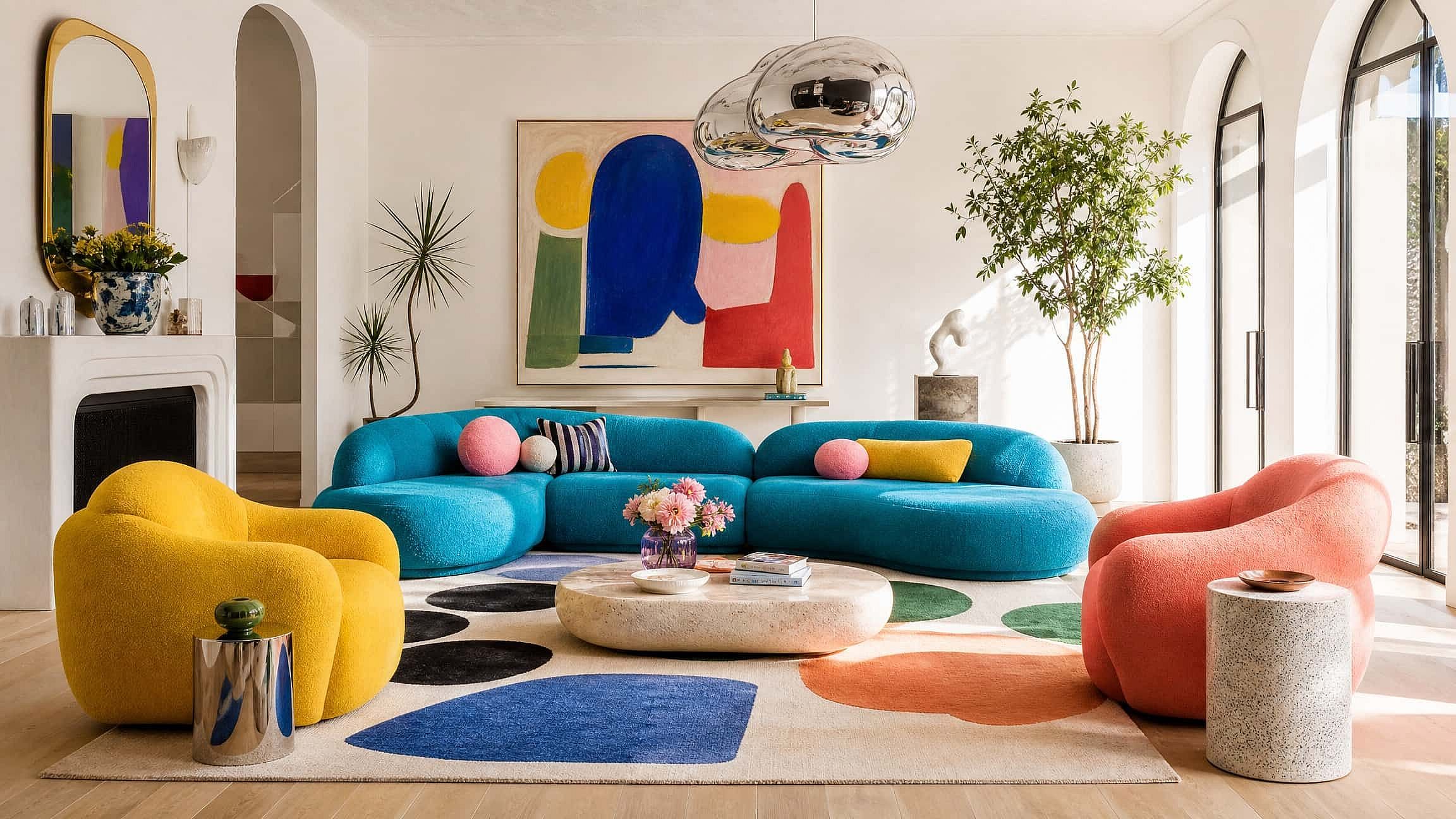
AI Interior Design Generator
An AI interior design generator takes a photo of your actual room and redesigns it in a new style, new furniture, colors, and finishes, while keeping the real layout, windows, and doors where they are.
Explore More Trending Templates
Explore a mix of ideas, styles, and possibilities to get you started.



Frequently Asked Questions
Upload a photo of any room or describe what you want in text. The AI generates realistic interior designs with different furniture, colors, and layouts. Refine the style, swap elements, or generate new variations.
Modern, minimalist, industrial, Scandinavian, farmhouse, mid-century, coastal, traditional, or combinations. Describe the aesthetic in your prompt or upload a reference image. The AI adapts furniture, color palettes, and decor to match.
Yes. Upload a photo of your current space, then describe the changes: new wall color, different furniture, added lighting. The AI preserves the room's structure and dimensions, then applies your design updates.
Yes. The designs work for client mood boards, real estate listings, and renovation proposals. You own the output and can use it commercially. If you upload reference images, confirm their license allows derivative work.
An AI interior design generator is a tool that redesigns a room photo in a new style, with new furniture, colors, and finishes, while keeping the room's real layout, windows, and doors. OpenArt's AI interior design generator also works from a text prompt when you don't have a photo, and new accounts get free credits to start.
Use clear photos with good lighting if uploading a room. In your prompt, specify the style, color scheme, and key furniture pieces. Generate multiple variations. Then refine by adjusting individual elements: swap a sofa, change wall art, adjust the lighting.