

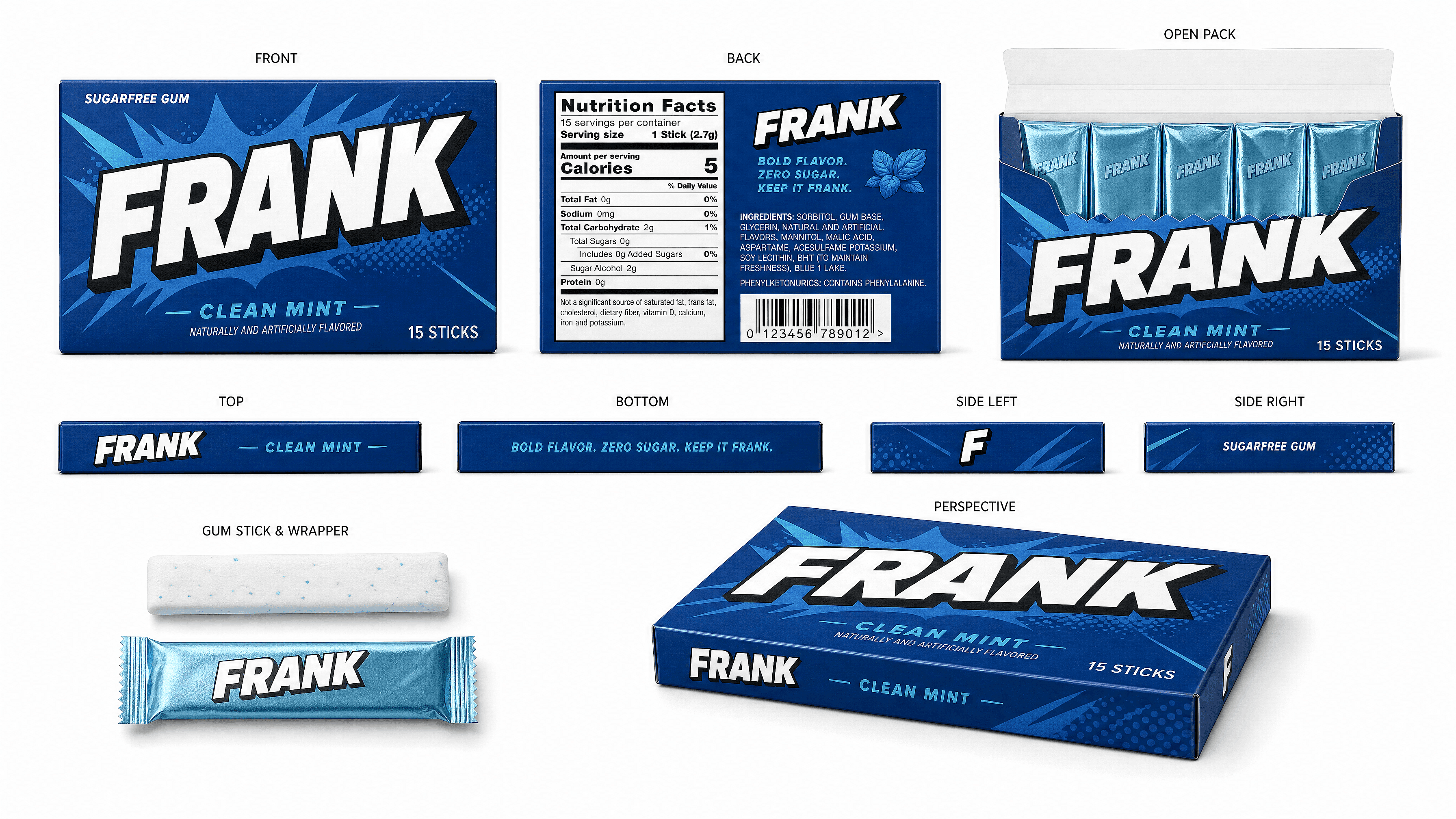
AI Packaging Design Generator
Describe the box, bottle, or pouch you're picturing and OpenArt renders it as a photoreal mockup. Test five label directions in the time it takes to write one design brief, then hand the winning concept to your designer or print shop.
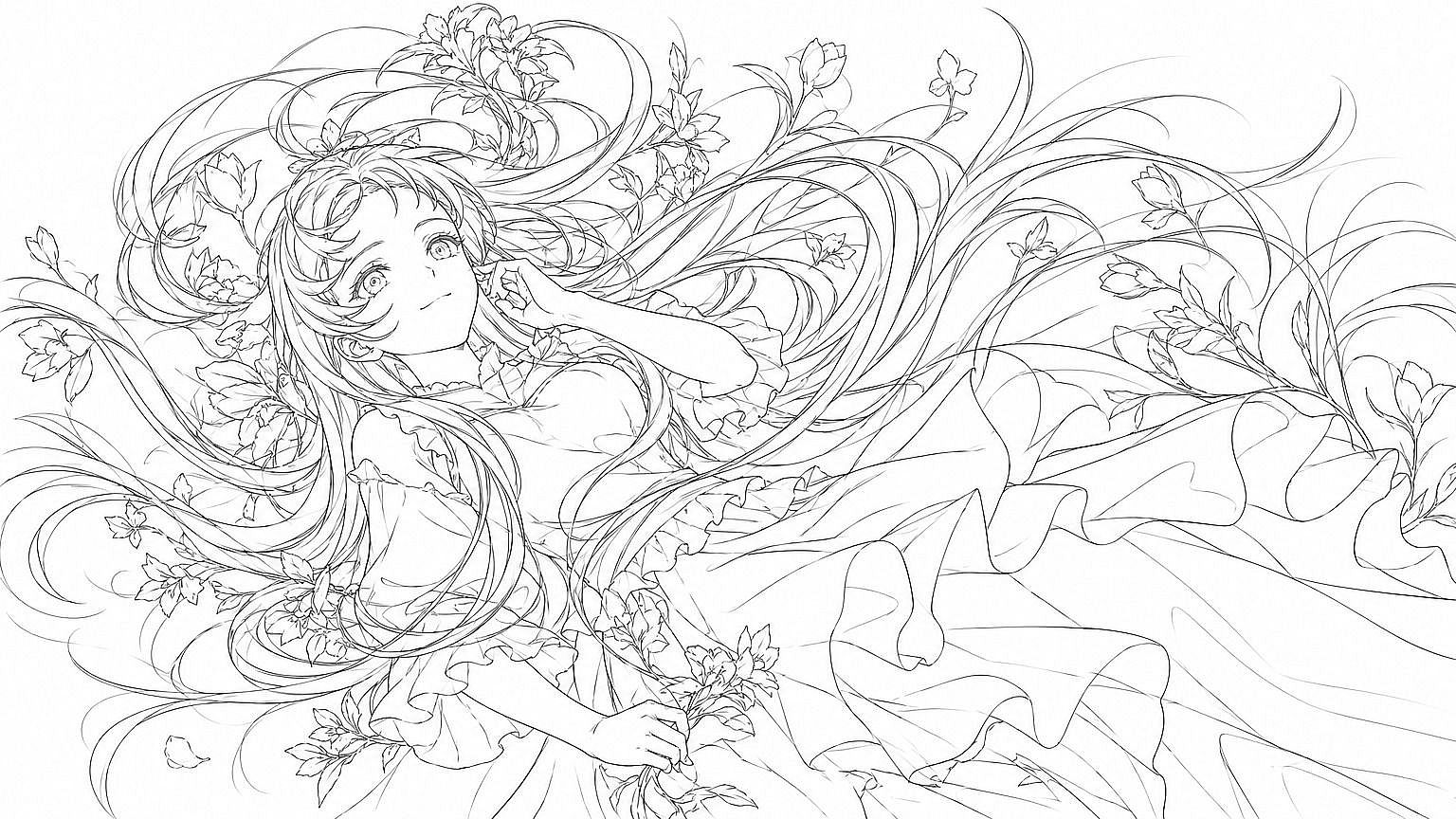
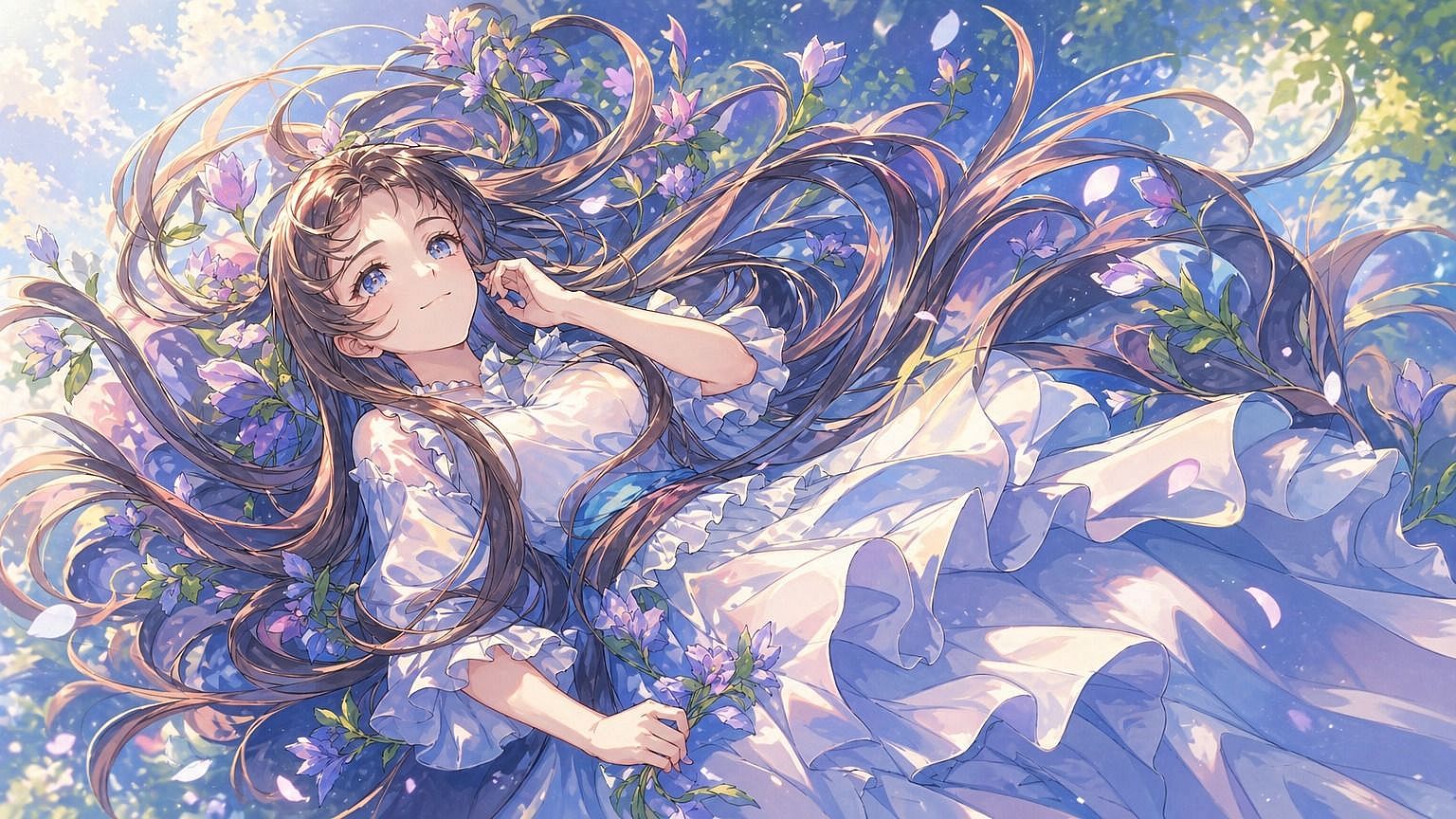
How To Turn a Rough Idea Into a Packaging Design Concept
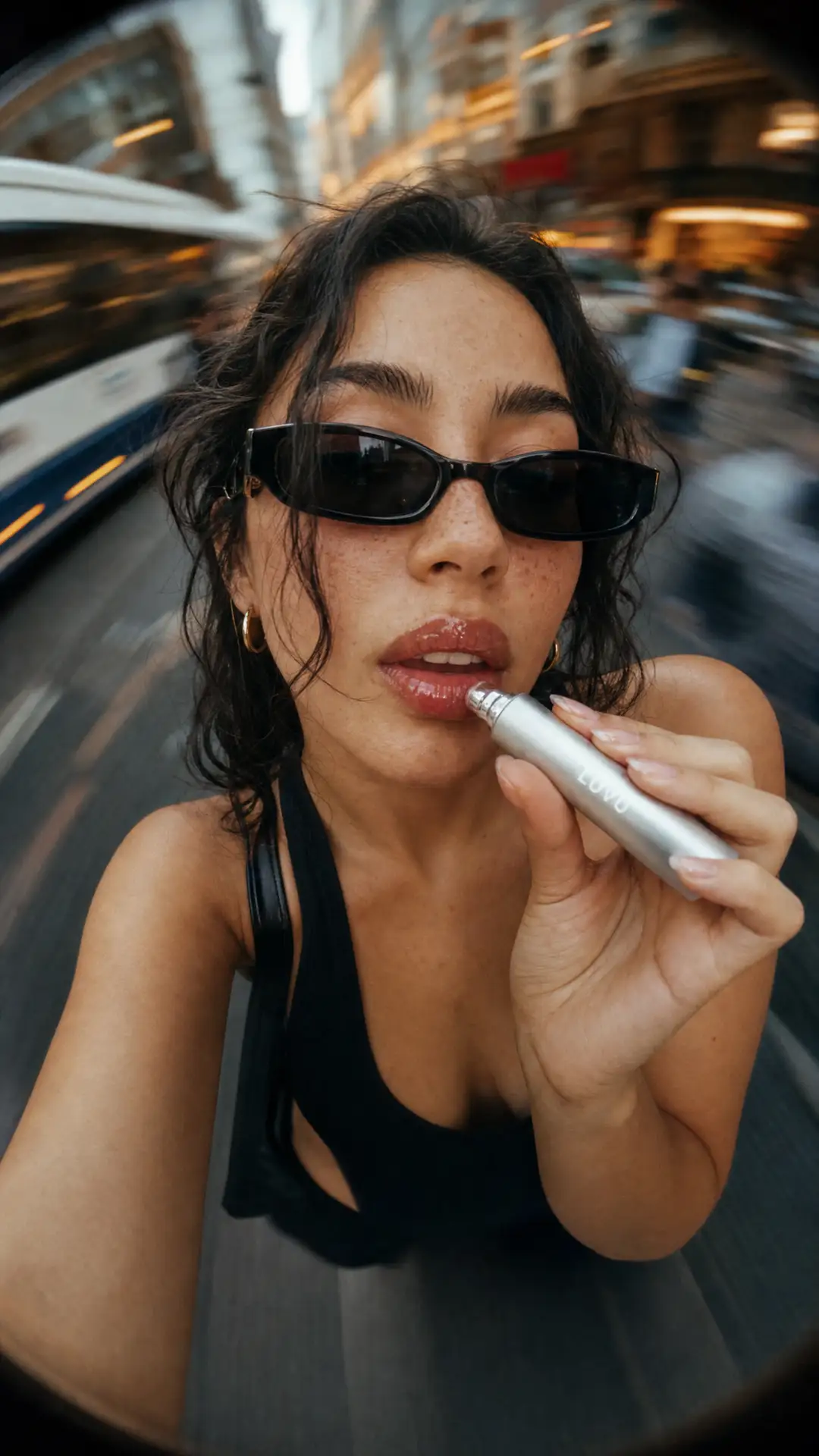
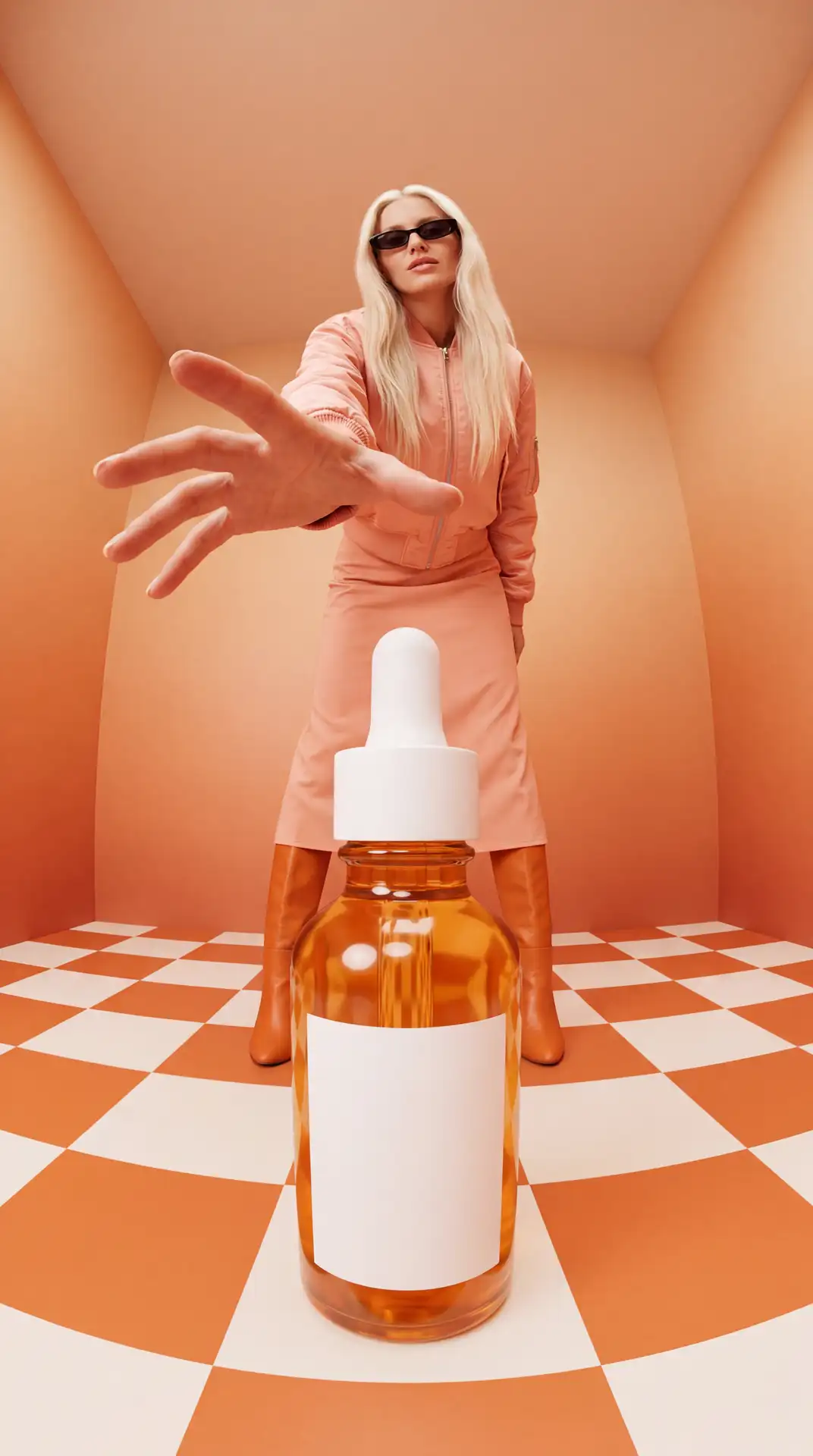
Step 1: Describe The Container
Material and shape: "matte cardboard box," "frosted glass bottle," "kraft paper pouch." Naming the material changes the render more than naming the product category does.
Step 2: Add The Label Direction
Typography style, color palette, and any text or logo placement you want to test. Treat any generated text as a placeholder, since small text and logos still come out distorted sometimes.
Step 3: Generate And Choose
Try three or four variations, pick the one that gets the best reaction, and hand it to a designer for production-ready files. This step is for picking a direction, not for producing final printable artwork.
Explore the Latest AI Image and Video Models
These are the models powering everything you can create on OpenArt, from a single image to a full video.
Frequently Asked Questions
It's OpenArt's image generator pointed at a specific job: visualizing what a package could look like before anyone opens design software. You prompt for the container type, material, and label style ("matte cardboard skincare box, minimal typography, sage green"), and the model generates a photoreal concept image. It's a fast way to explore directions and get stakeholder buy-in early. It's not a dieline or print-production tool: for the flat, cut-to-spec files a printer needs, you'll still hand the approved concept to a packaging designer.
Describe your product and brand style in plain text ('minimalist skincare bottle with sage green label' or 'bold energy drink can with neon graphics'). The AI generates packaging mockups. Refine them until they match your vision.
No. You describe what you want. The AI handles layout, colors, and graphics. This is built for founders and marketers who need mockups fast.
You can generate mockups for cosmetics (bottles, jars, tubes), food packaging (boxes, pouches, labels), beverage containers (cans, bottles), retail boxes, and custom labels. The AI adapts to different product categories and formats.
Yes. Designs you create are yours to use for product launches, pitch decks, e-commerce listings, or investor presentations. Check OpenArt's terms for specifics on your plan.
Start with a clear product type and two or three style keywords (modern, vintage, luxury). Generate a batch. Pick the closest match, then refine colors or text. Most users get usable mockups in under ten minutes.