

Facebook Video Ad Maker
Use OpenArt's AI ai facebook video ad maker to get high-quality results in seconds. Powered by best-in-class AI image and video models for clean, natural Facebook feed and Reels.
How To Create a Facebook Ad
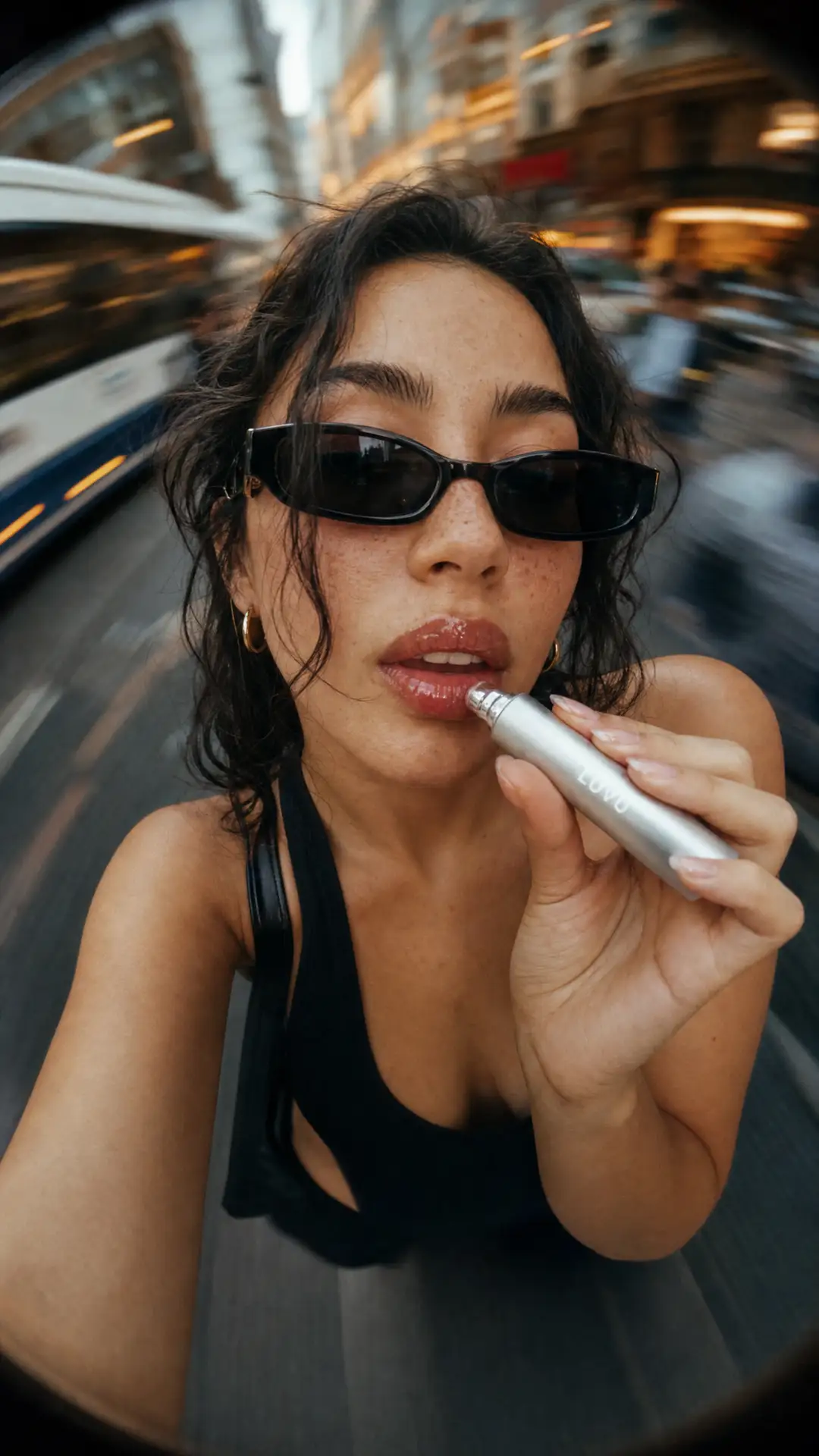
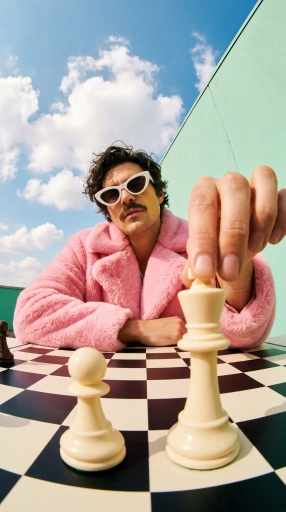
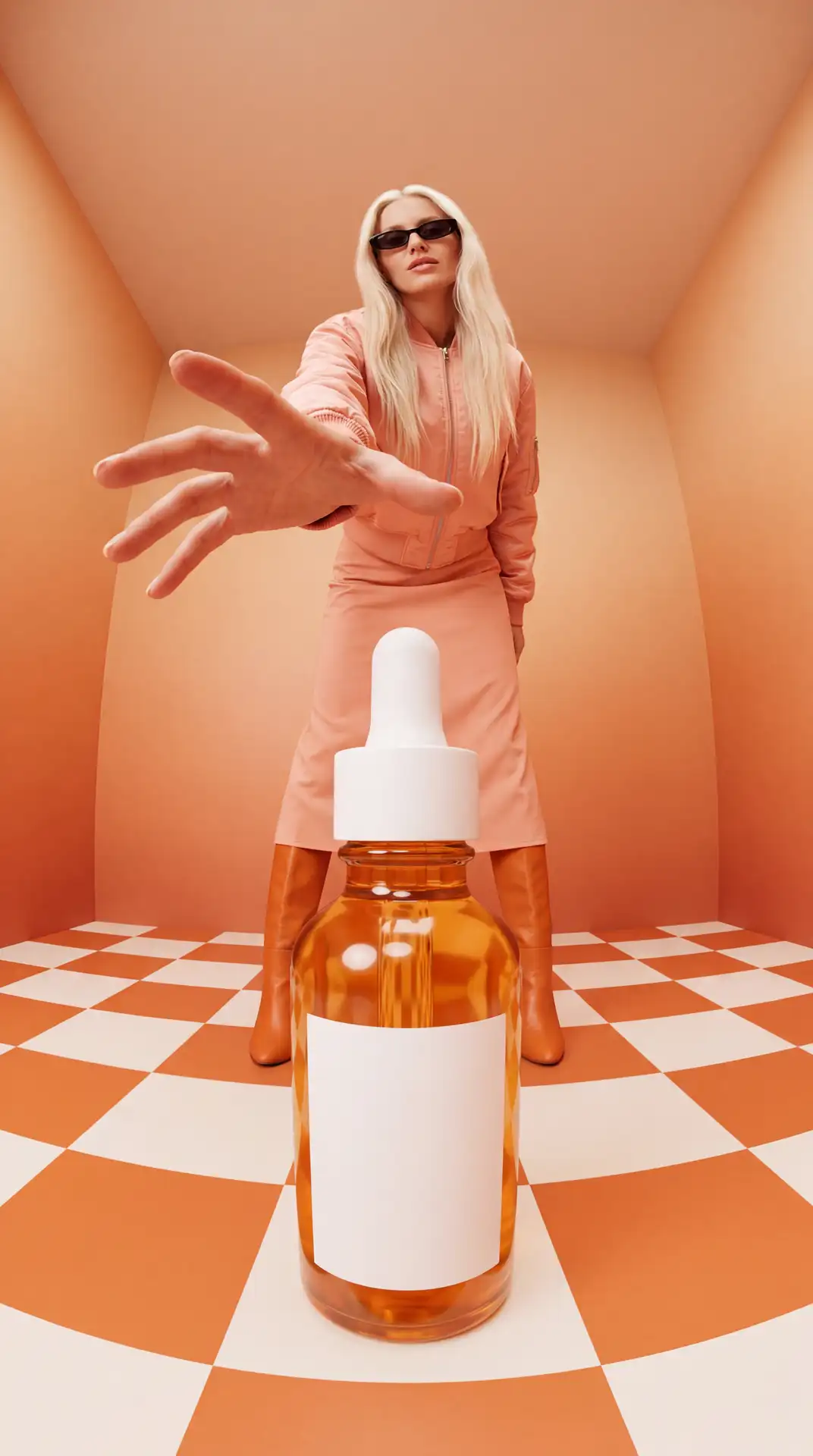
Step 1: Brief The Ad
Describe what you're selling, who it's for, and how it should feel. Add a product photo, your logo, a soundtrack, or a saved character to steer it. The more specific the brief, the less back-and-forth you'll need in the next step.
Step 2: Give The Notes
Shape the hook, the scenes, and the dialogue by chat, the way you'd brief a creative team. Ori checks with you on the calls you care about, or runs with the best settings on its own. Treat this step like reviewing a rough cut, not writing from a blank page.

Step 3: Cut Your Versions
Review the ad, change exactly what you want, and export. Spin variants by channel, hook, or audience, and let performance pick the winner. Testing a couple of hooks against the same footage is usually faster than trying to guess the right one upfront.
Explore the Latest AI Image and Video Models
These are the models powering everything you can create on OpenArt, from a single image to a full video.
Frequently Asked Questions
A Facebook video ad maker (also called a Facebook video ad generator) turns a brief into a finished video ad, rather than a static image or a template you fill in. OpenArt's version (the general Ad Video Generator, plus dedicated tools like Product Ads, UGC Ads, and the Commercial Generator) does this in three steps, no template picker involved. You describe the ad the way you'd brief a creative team, add any assets you have (photo, logo, soundtrack, saved character), then shape the hook, scenes, and dialogue by chatting with Ori, the built-in assistant, who checks with you on calls you care about or runs with sensible defaults on its own. For Facebook specifically, that means directing toward feed and Reels pacing (a fast hook, a clear product moment, a close), then exporting the video sized for those placements.
No. Just describe what you want in plain language and the AI handles the rest.
Yes, Meta allows AI-generated images and video in ads, but it has been rolling out disclosure requirements, especially for political and issue ads, and reserves the right to label AI content. Check Meta's current ad policies before launching a campaign, since disclosure rules have been tightening.
Yes. OpenArt uses best-in-class AI image models to produce clean, natural-looking results.
OpenArt routes ad generation through several models, including Seedance 2.5, Kling 3.0, Sora 2, WAN 2.7, and LTX-2.3. You're not locked into one; different models suit different looks.
The templates (UGC, Product, Branding) are built around ad structure: a hook in the first few seconds, a clear product moment, a close. That's different from a general text-to-video generation, which won't automatically follow ad pacing.