

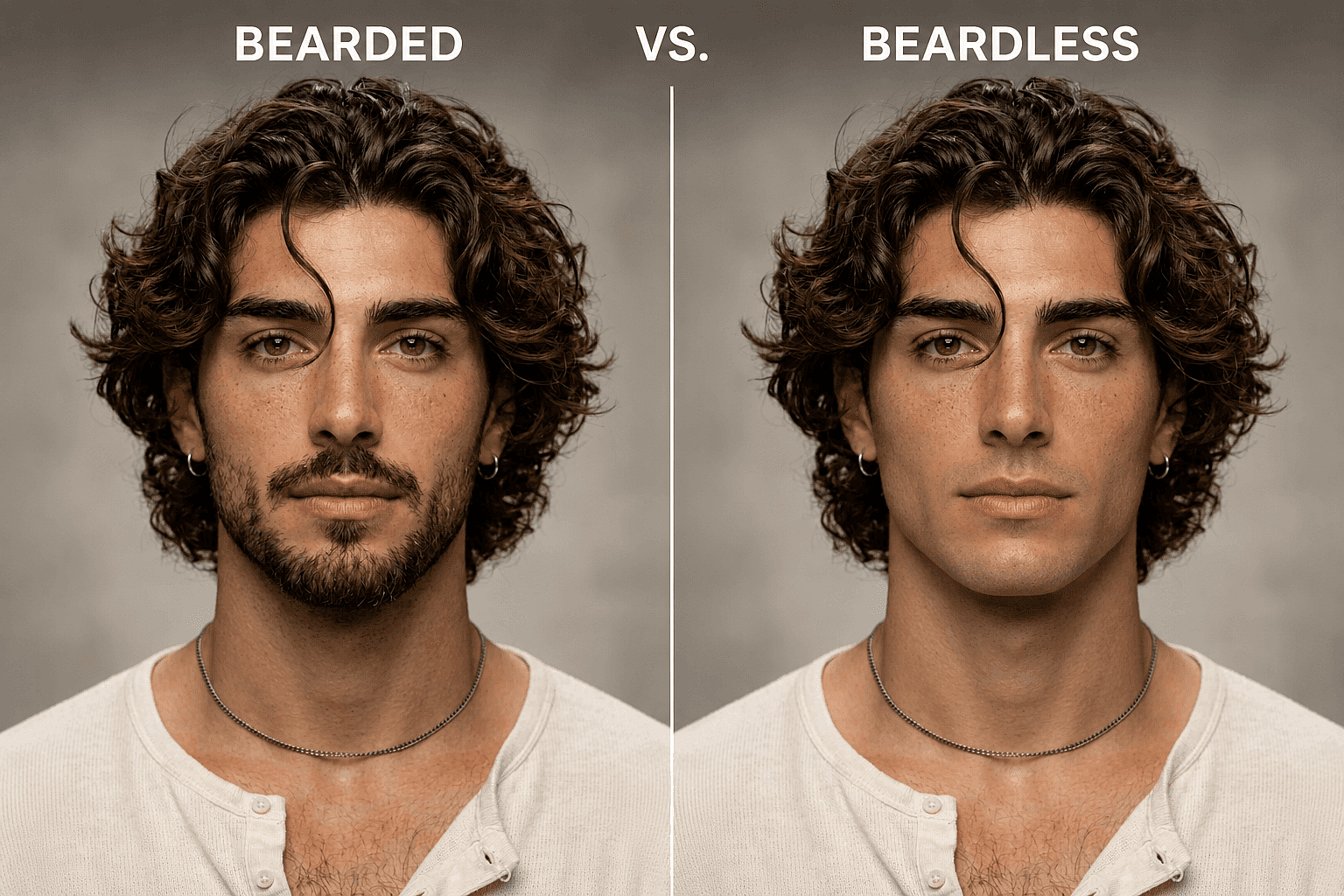
AI Beard Remover
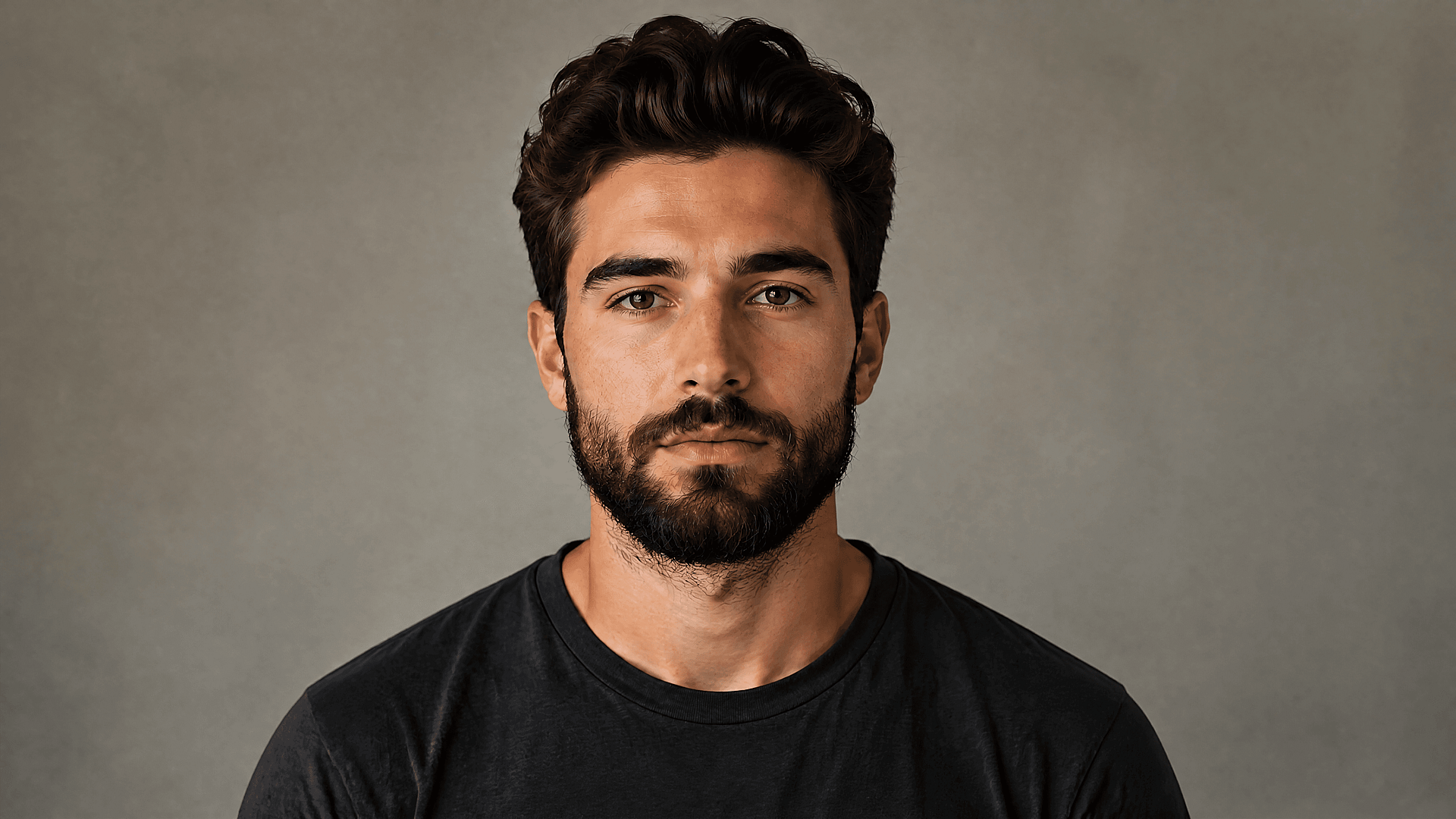
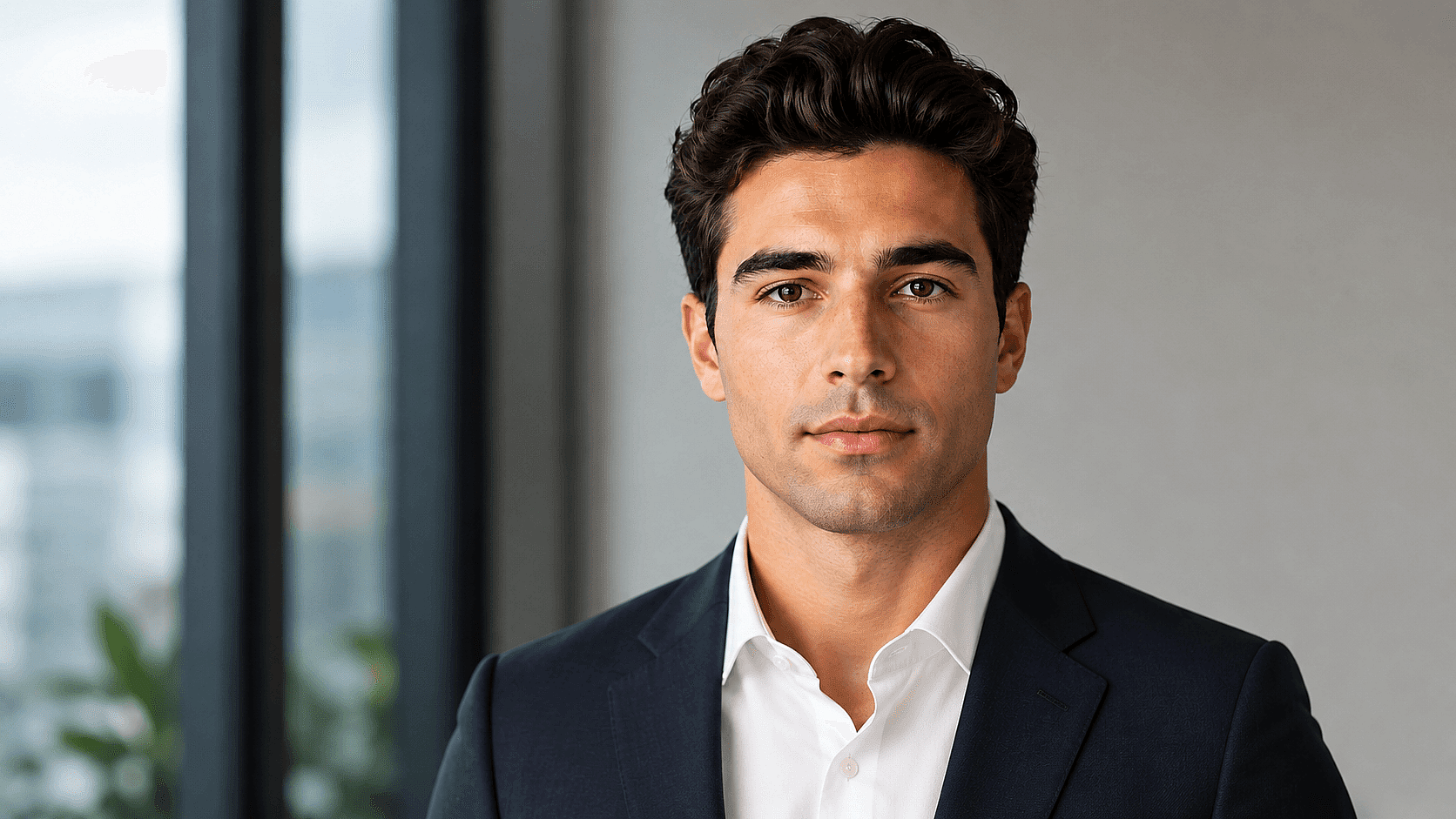
The OpenArt no beard filter removes beards, mustaches, and stubble from any photo in one click. Powered by Nano Banana Pro and Nano Banana 2, it rebuilds the chin, jawline, and skin texture so the result looks like a real photo of the same person.
Why OpenArt Looks More Realistic
One Click, No Editing Skills
Upload a selfie, click Remove Beard, and the AI automatically reconstructs your chin, jawline, and facial contours in seconds.
Photorealistic Skin & Facial Detail
Powered by Nano Banana Pro, OpenArt preserves natural skin tone, freckles, pores, shadows, and lighting for clean-shaven edits that never look fake or plastic.
Customize Any Facial Hair Style
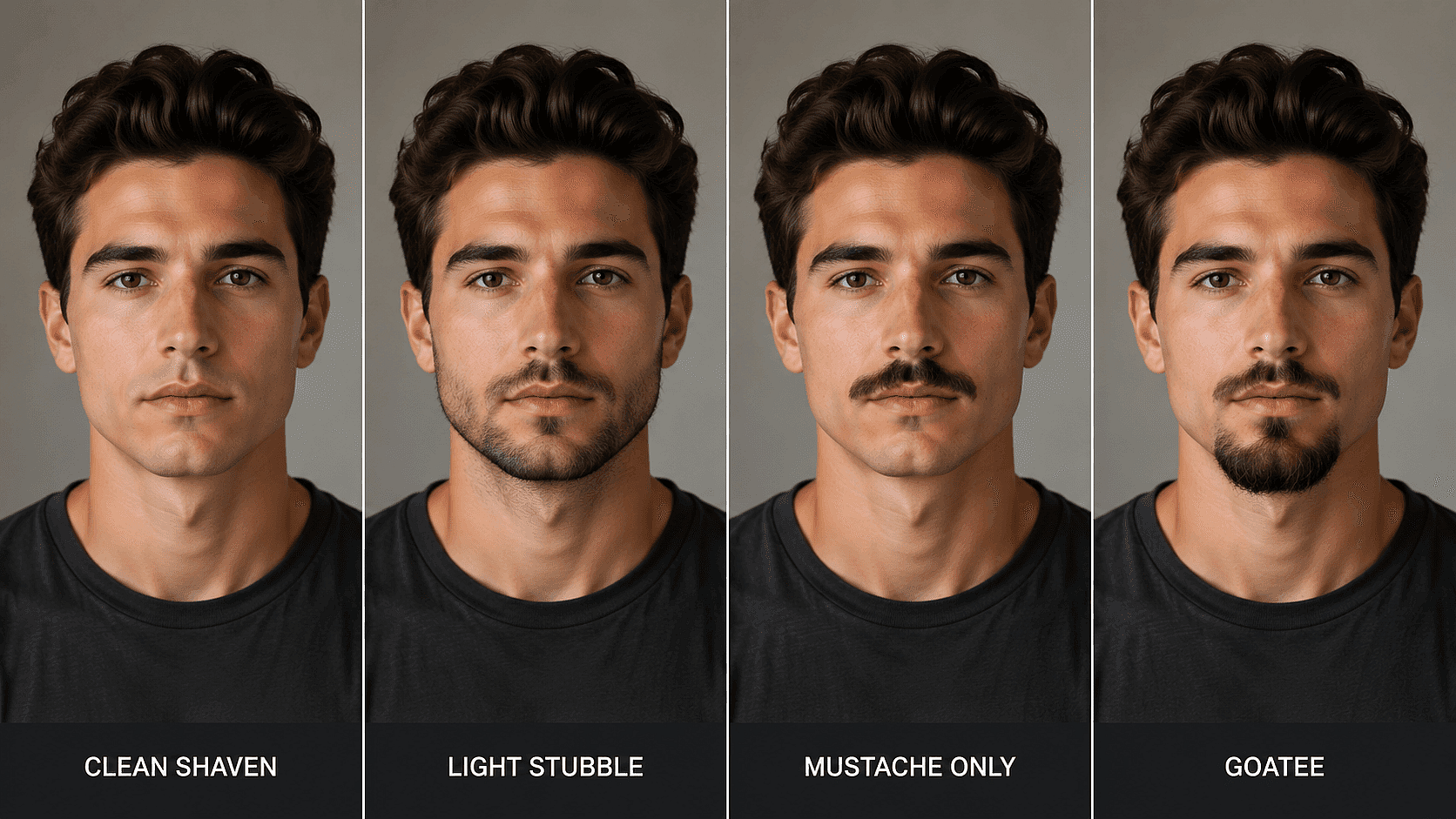
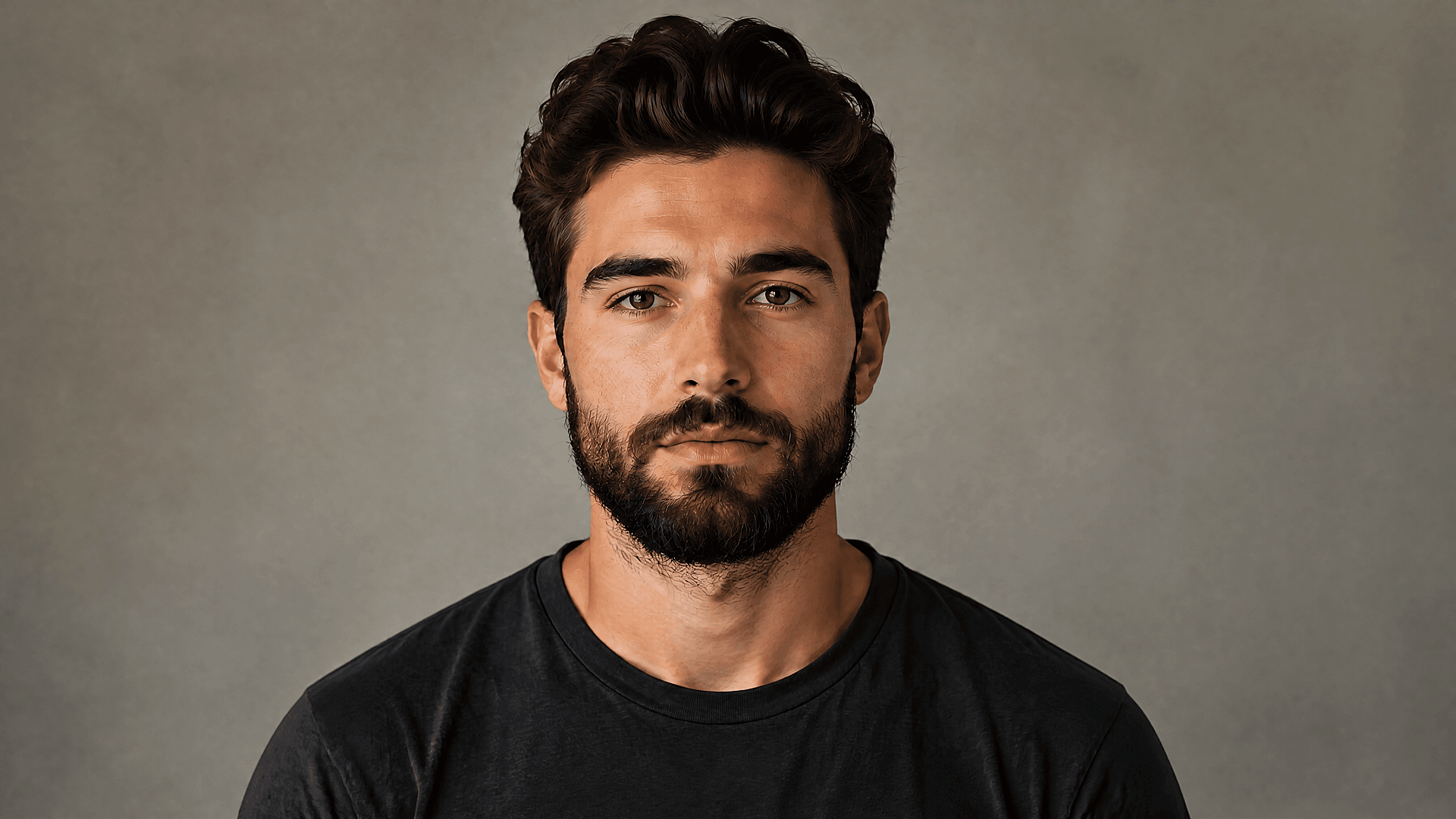
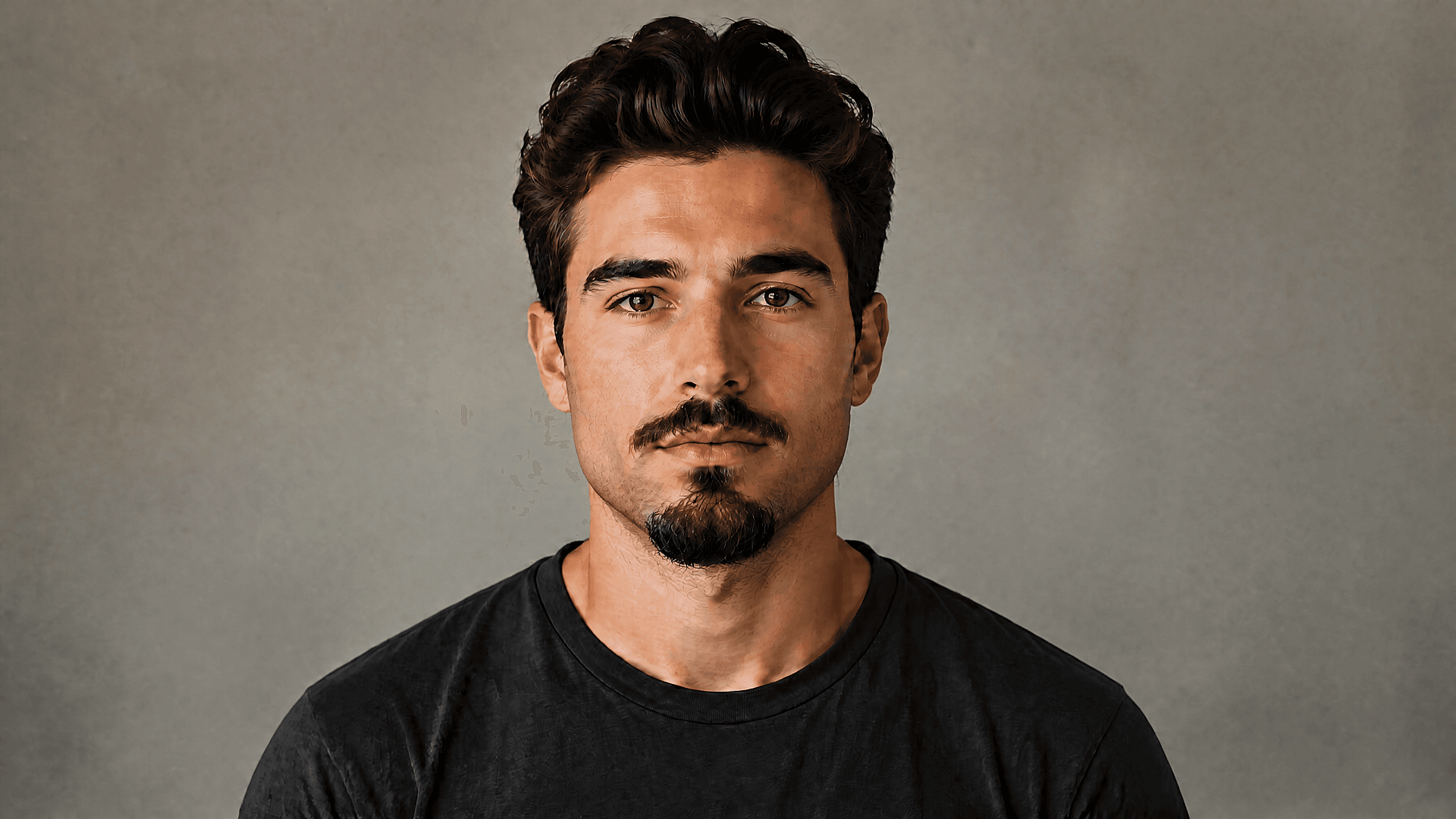
Go fully clean-shaven, keep light stubble, remove only the mustache, or generate a goatee. Simply describe the look you want in plain English.
What you can do with OpenArt’s AI Beard Remover
From dating profiles and social media content to professional headshots and advanced portrait retouching, explore how people use AI beard removal to test styles, create content, and edit photos more efficiently.
Test Different Looks
Generate clean-shaven, stubble, mustache-only, or goatee variations from the same photo for Tinder, Instagram, TikTok, YouTube, or viral before-and-after transformation content.
Create Professional Headshots
Remove facial hair for cleaner LinkedIn photos, resumes, and company profiles, or pair it with our AI Headshot Generator for a complete professional makeover before interviews or any formal event where appearance matters.
Edit Specific Facial Hair Styles
Keep the beard but remove the mustache. Clean up sideburns. Remove only the goatee. OpenArt lets you selectively edit facial hair while preserving natural skin texture and facial identity.
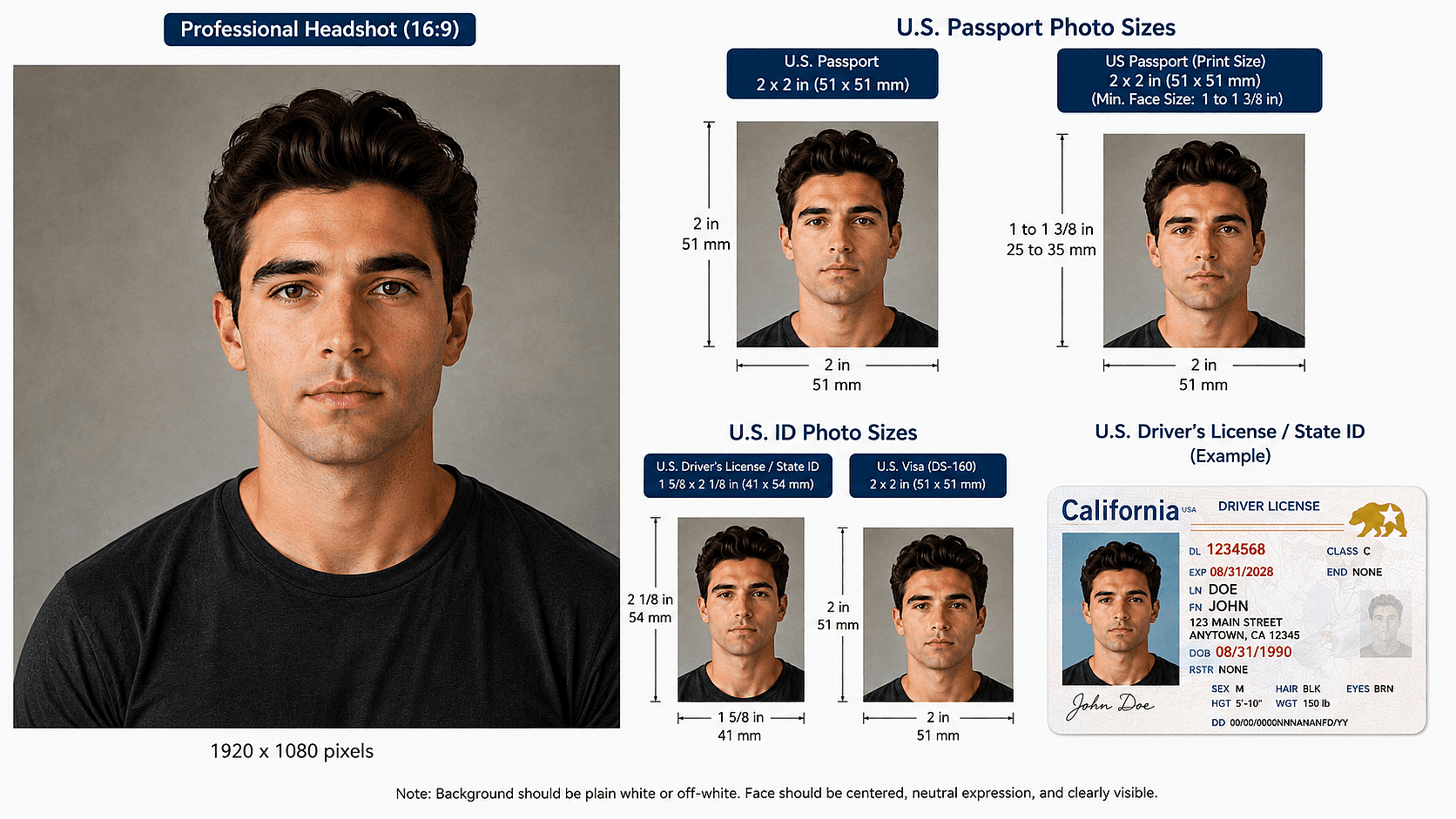
Passport-Ready Headshots
Many countries and institutions require a clean-shaven appearance for passport, visa, and government ID photos. Remove facial hair in seconds and preview the result before your next photo session.
How to Use AI Beard Remover
OpenArt makes beard removal simple with AI photo editing. Upload your image, describe the look you want, and generate realistic results in seconds.
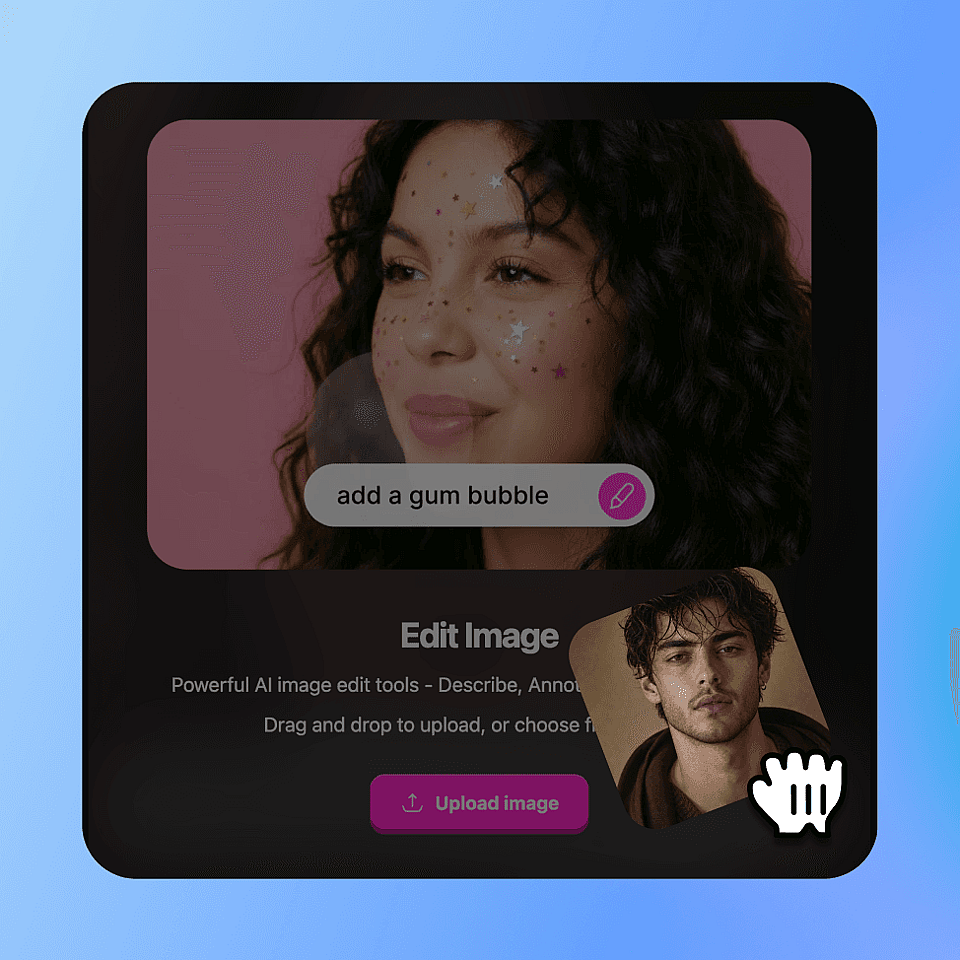
Upload your photo
Upload any JPG, PNG, or WebP photo. Clear front-facing selfies with natural lighting produce the best results, but OpenArt also works well with angled portraits and everyday photos.
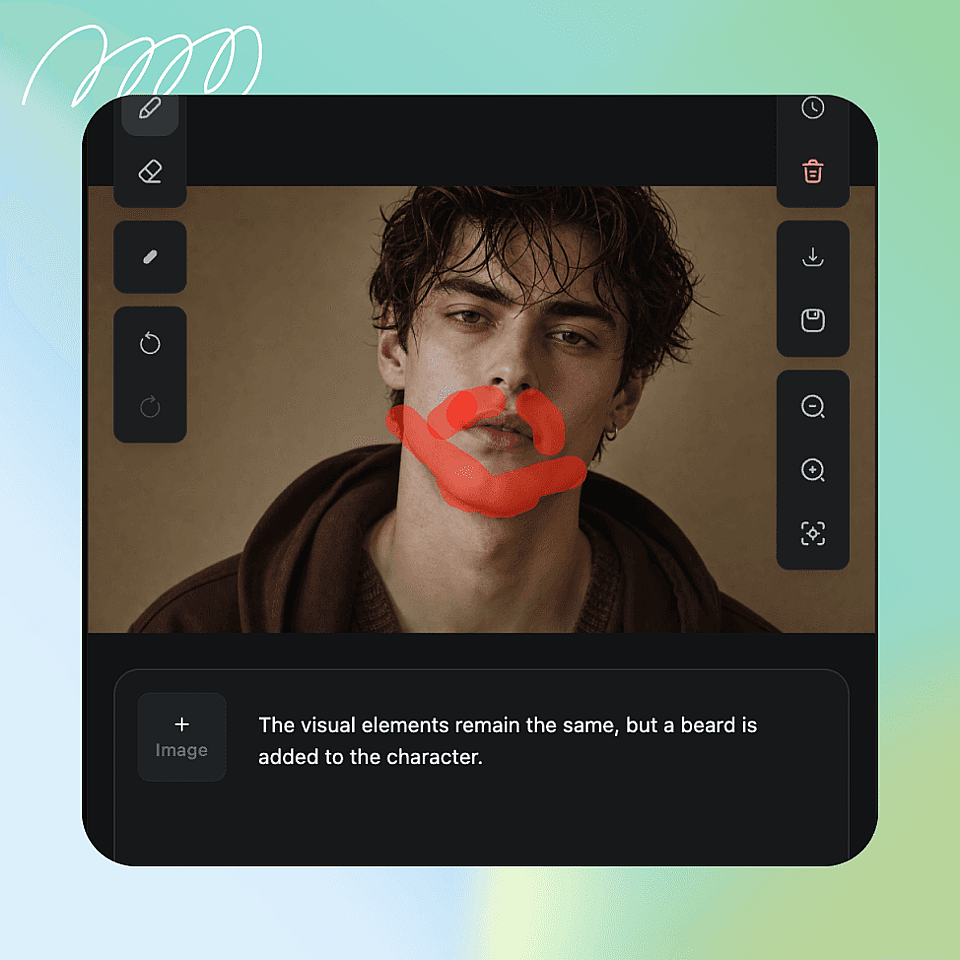
Write the look you want
Choose Nano Banana Pro, Nano Banana 2, or Qwen Image Edit, then simply describe the look you want, like “remove beard completely” or “keep natural stubble.”
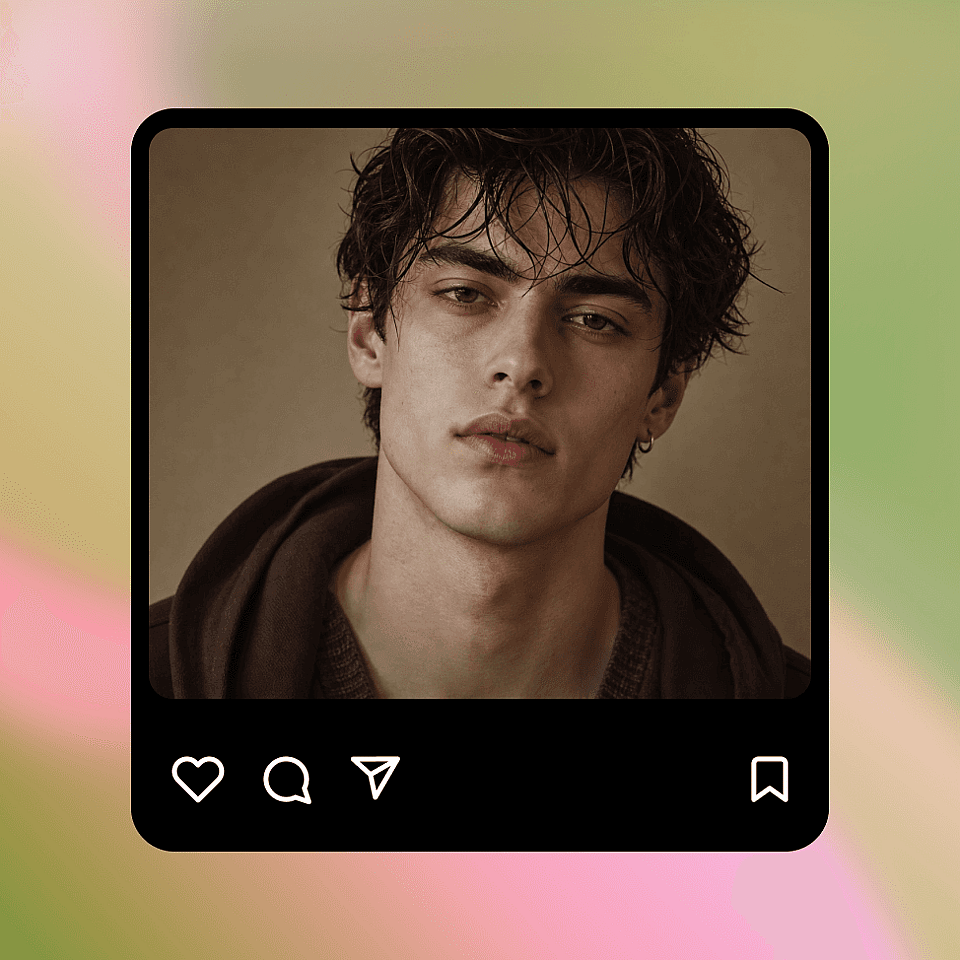
Generate and download
Click Generate to create realistic results in seconds. Try different prompt variations, then download your favorite version in the original resolution or social-ready aspect ratios.
Who Uses the No Beard Filter?
From selfies and social content to professional headshots and viral transformations, discover how people use OpenArt’s AI Beard Remover.
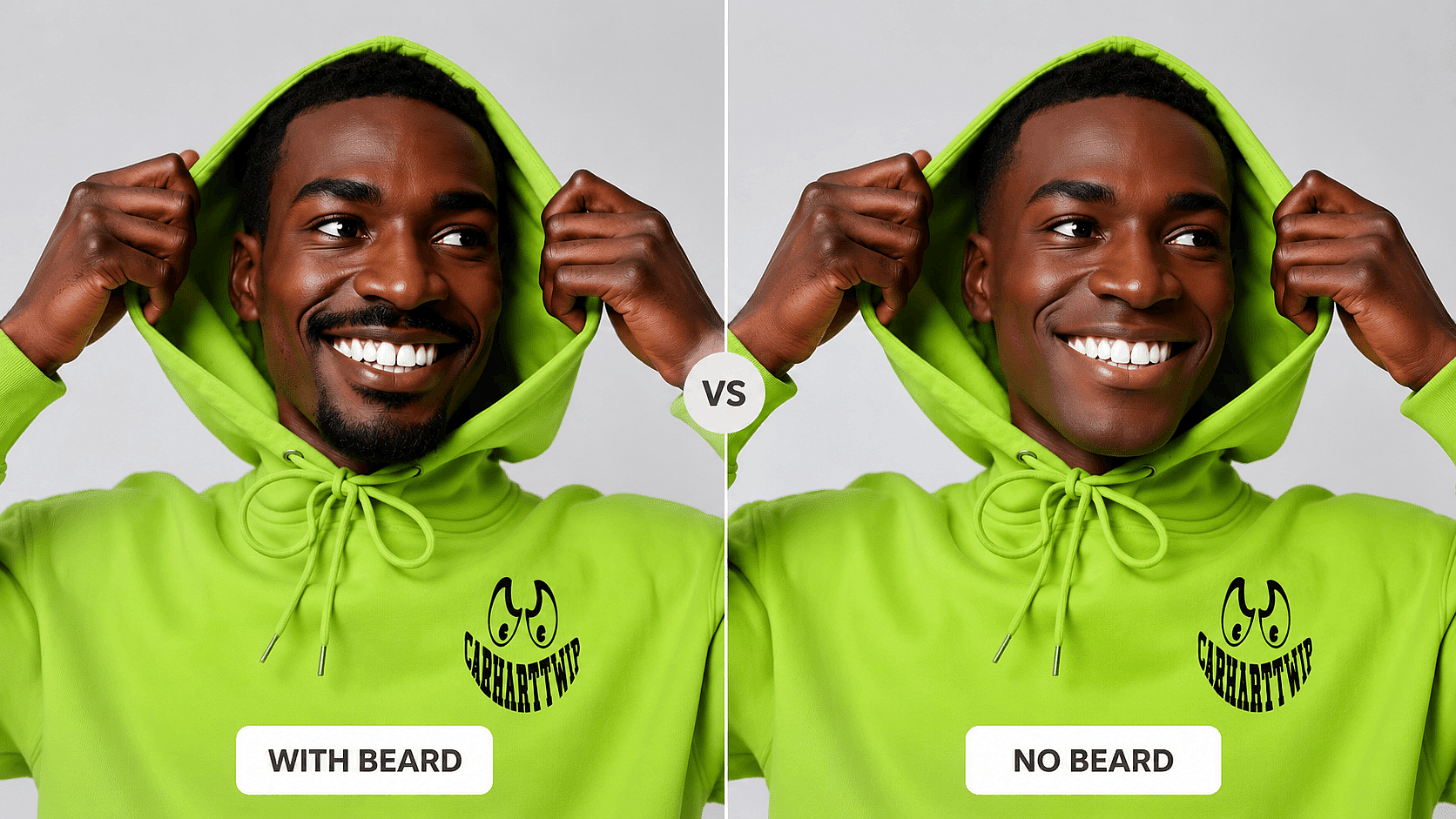
E-Commerce Photography
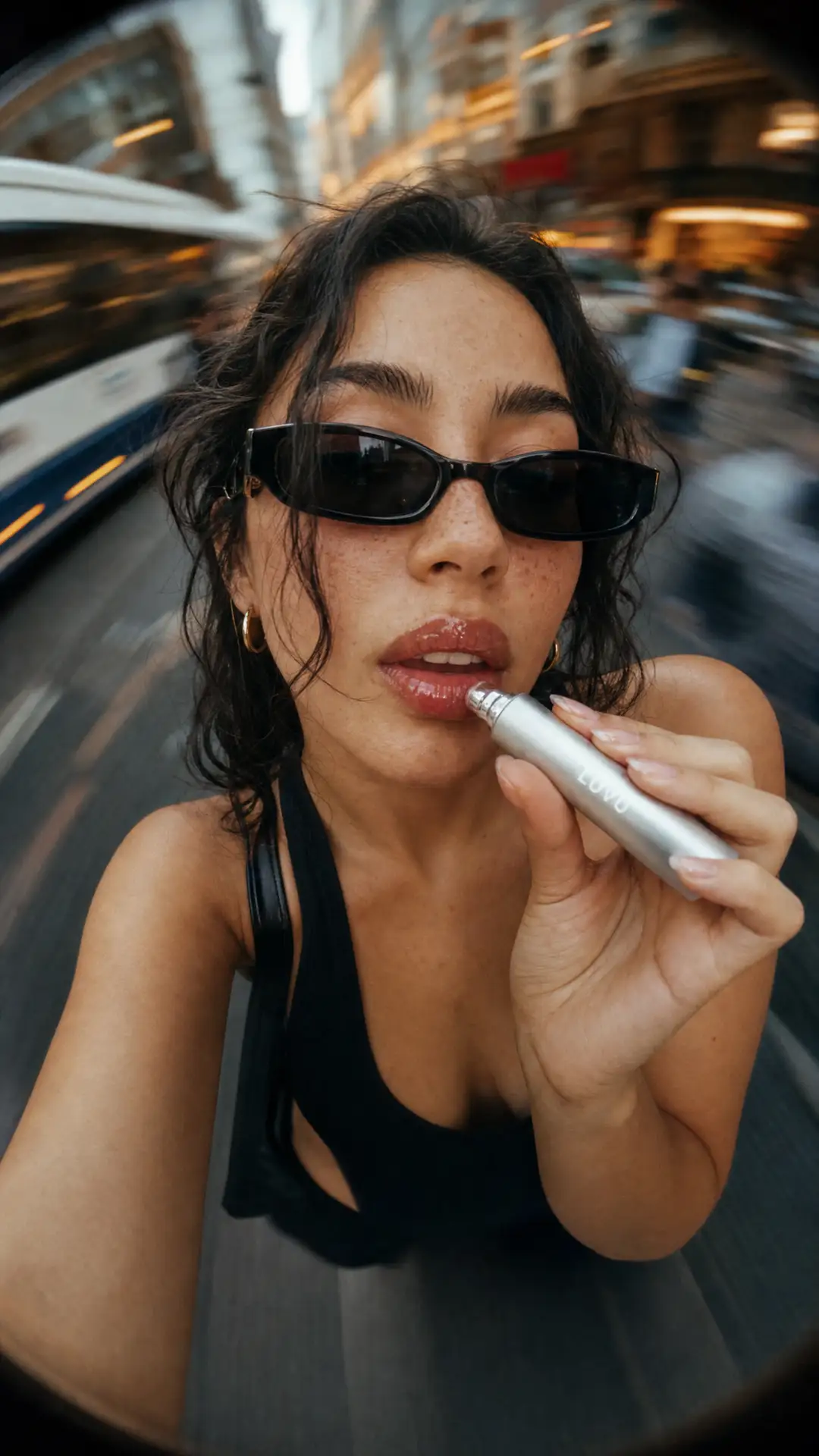
When your male models show up to set with stubble or a full beard, reshooting isn't always an option. Use AI beard removal to clean up facial hair in post-production, maintain consistent grooming standards across your product catalog, and keep every listing photo looking polished.
Try it Now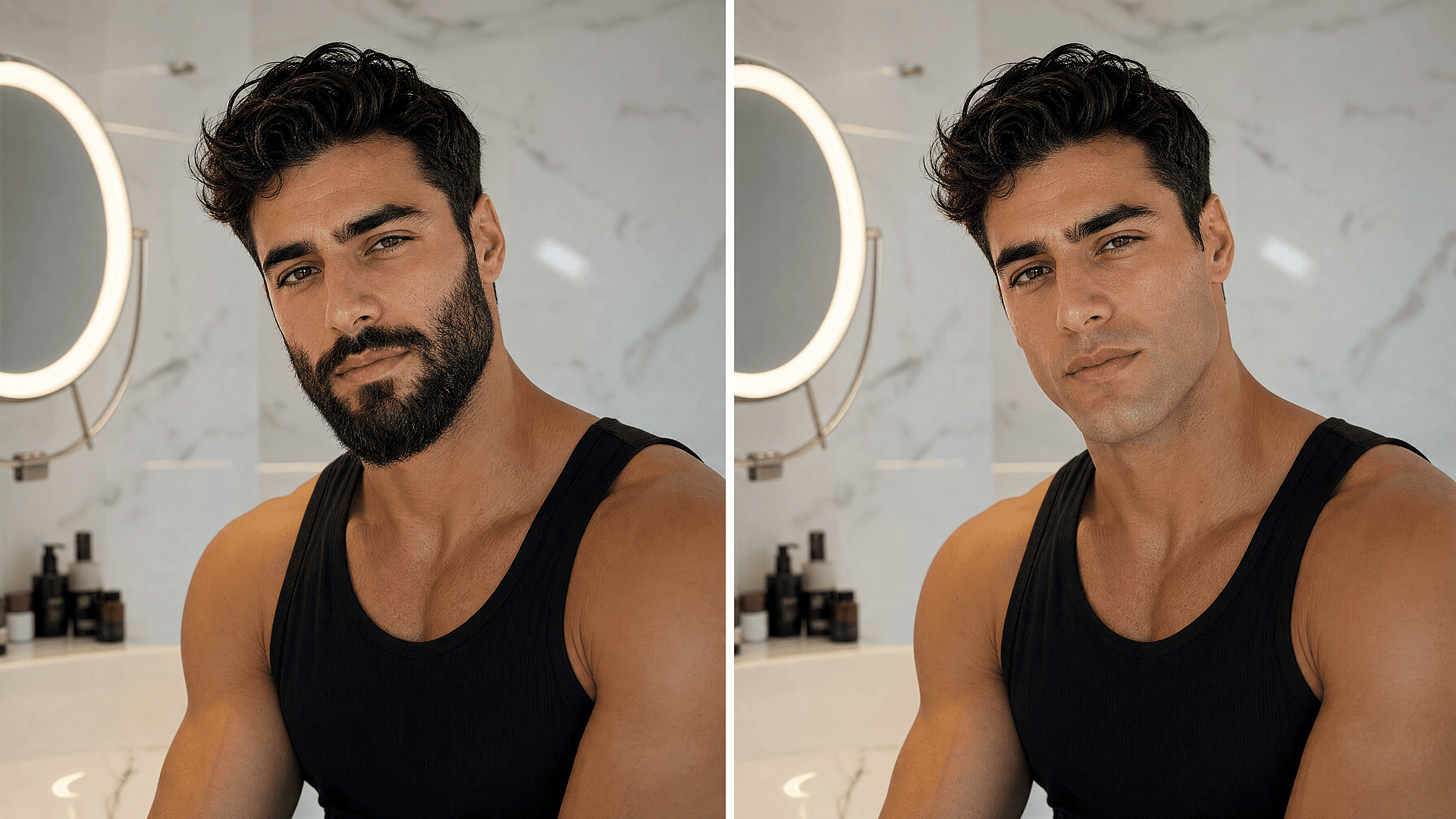
Dating App Profile
Upload your best photo and try a clean-shaven, stubbled, or mustache-only look before re-shooting. Test which version gets more matches on Tinder, Bumble, or Hinge.
Try it Now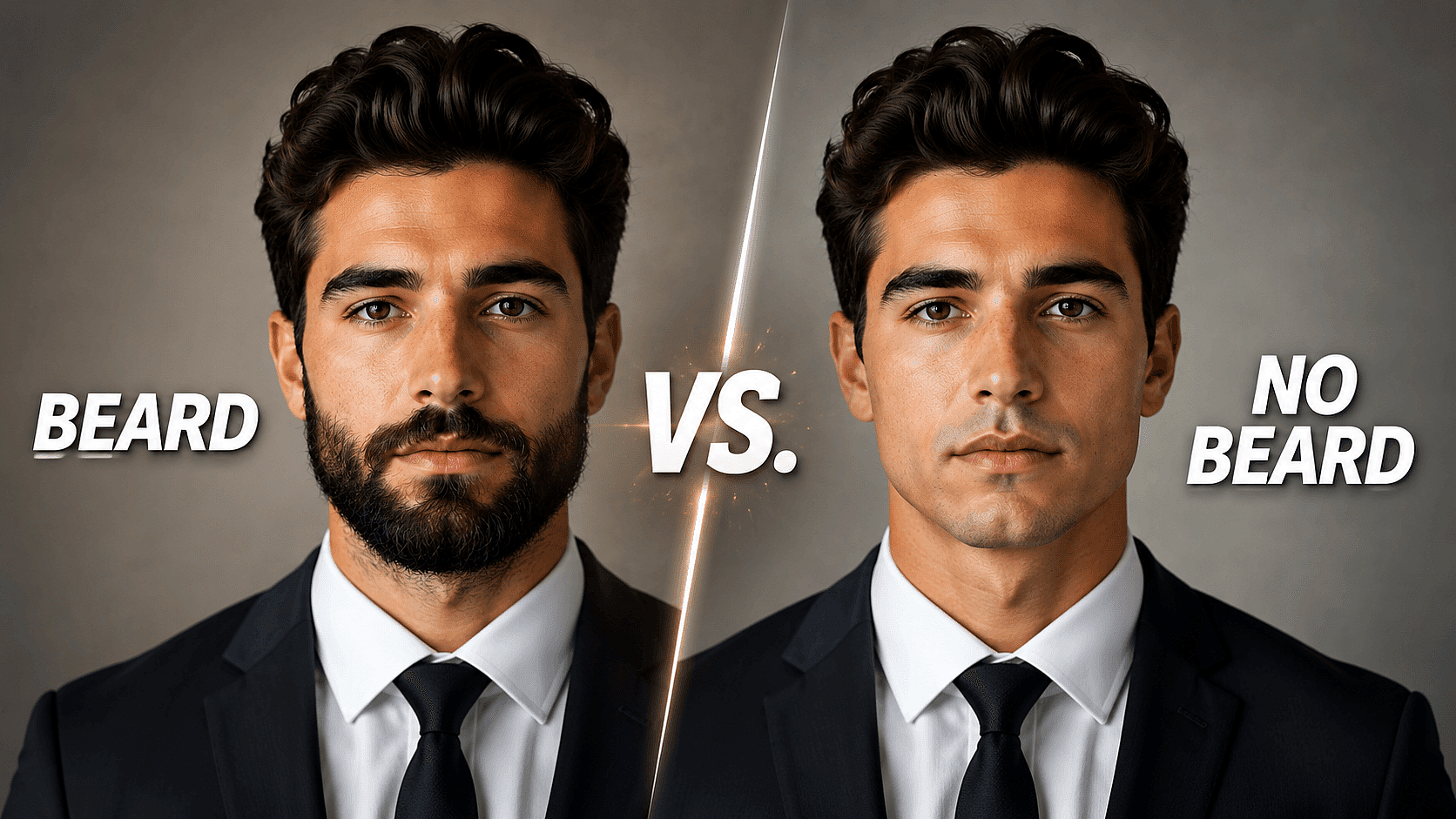
TikTok, Reels & YouTube Creators
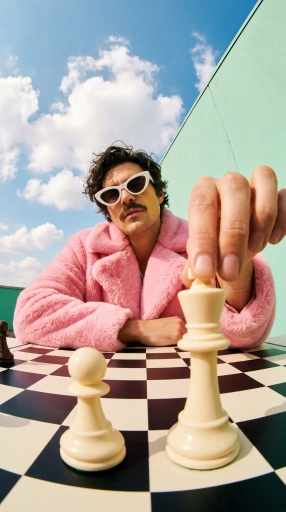
Make the "beard vs. no beard" reveal, glow-up, or reaction edit from a single selfie. No before/after shoot, no waiting weeks for the beard to grow back, one upload, multiple looks, ready for the cut.
Try it Now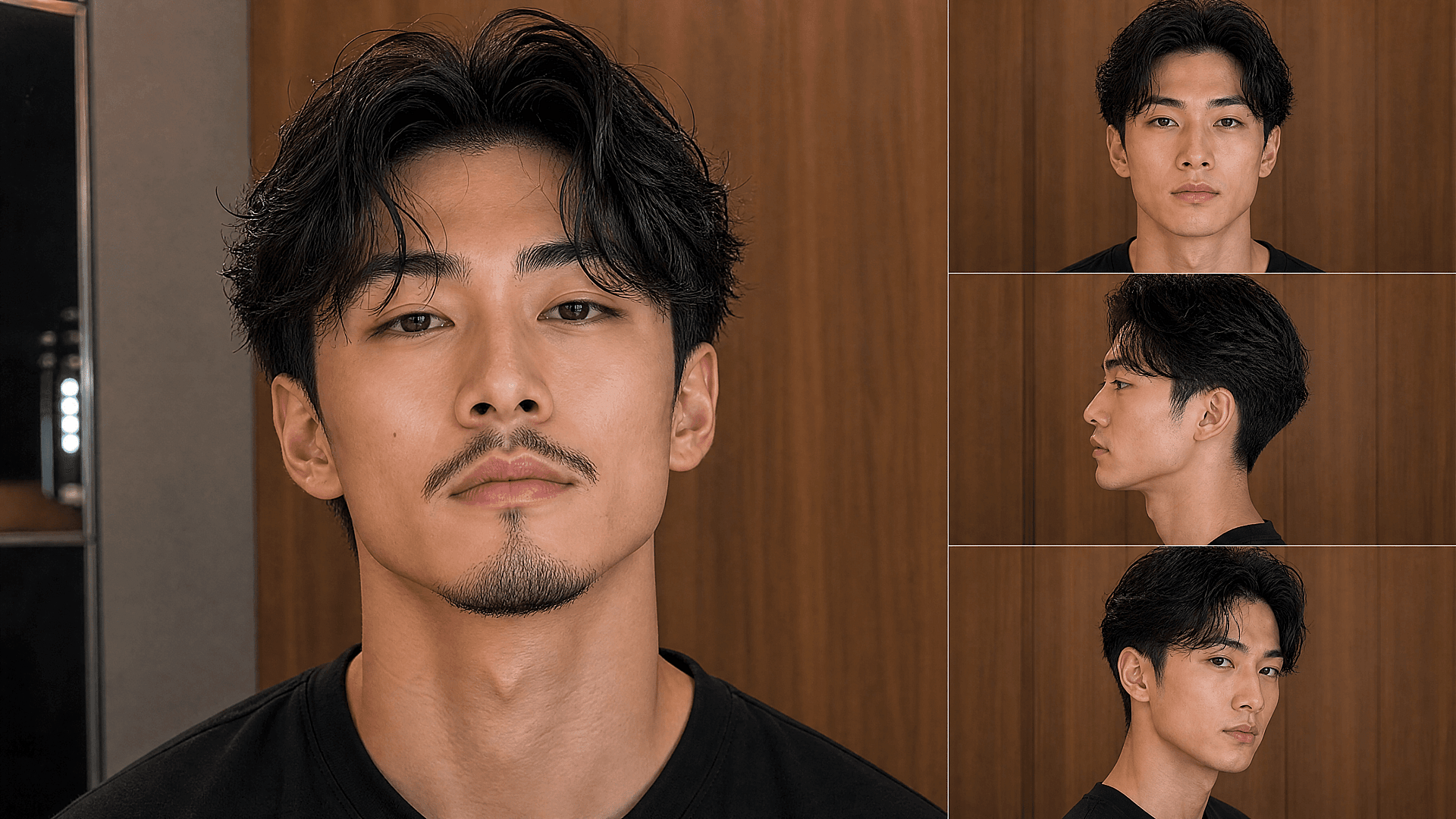
Photographers & Designers
Cut an hour of frequency-separation work per portrait. Use AI beard removal as a clean, realistic base layer and finish in Photoshop or Lightroom. Beats hand-painting jawlines.
Try it NowLoved by Creators Worldwide
See what our community has to say
I've tried many AI platforms… but OpenArt is still the best for character creation, image-to-video quality, and the variety of models available.
OpenArt offers an excellent array of AI tools… once you learn the features, the creative possibilities are amazing - and their support team is outstanding.
OpenArt is a very versatile AI platform with many image and video models, consistent character creation, and powerful editing tools.
Helpful AI tools all in one place - image and video generation, editing, and more… no need for multiple subscriptions.
Customer service is always quick and helpful… and the platform keeps getting better with new features and tools.
I've tried many AI platforms… but OpenArt is still the best for character creation, image-to-video quality, and the variety of models available.
OpenArt offers an excellent array of AI tools… once you learn the features, the creative possibilities are amazing - and their support team is outstanding.
OpenArt is a very versatile AI platform with many image and video models, consistent character creation, and powerful editing tools.
Helpful AI tools all in one place - image and video generation, editing, and more… no need for multiple subscriptions.
Customer service is always quick and helpful… and the platform keeps getting better with new features and tools.
I've tried many AI platforms… but OpenArt is still the best for character creation, image-to-video quality, and the variety of models available.
OpenArt offers an excellent array of AI tools… once you learn the features, the creative possibilities are amazing - and their support team is outstanding.
OpenArt is a very versatile AI platform with many image and video models, consistent character creation, and powerful editing tools.
Helpful AI tools all in one place - image and video generation, editing, and more… no need for multiple subscriptions.
Customer service is always quick and helpful… and the platform keeps getting better with new features and tools.
With so many AI platforms out there, OpenArt stood out as a stellar choice - I'd recommend it to any creator.
This platform includes everything you need for AI content creation - images, video, characters, audio, and multiple AI models in one place.
OpenArt is pushing the boundaries of AI video creation… and it's clear the team is committed to improving the creator experience.
I made my first AI music video with OpenArt… and their support team was the best help I've ever experienced.
I'm very happy with the support - my issue was resolved quickly and the team made the process easy.
With so many AI platforms out there, OpenArt stood out as a stellar choice - I'd recommend it to any creator.
This platform includes everything you need for AI content creation - images, video, characters, audio, and multiple AI models in one place.
OpenArt is pushing the boundaries of AI video creation… and it's clear the team is committed to improving the creator experience.
I made my first AI music video with OpenArt… and their support team was the best help I've ever experienced.
I'm very happy with the support - my issue was resolved quickly and the team made the process easy.
With so many AI platforms out there, OpenArt stood out as a stellar choice - I'd recommend it to any creator.
This platform includes everything you need for AI content creation - images, video, characters, audio, and multiple AI models in one place.
OpenArt is pushing the boundaries of AI video creation… and it's clear the team is committed to improving the creator experience.
I made my first AI music video with OpenArt… and their support team was the best help I've ever experienced.
I'm very happy with the support - my issue was resolved quickly and the team made the process easy.
Frequently Asked Questions
It looks like a real photo. Nano Banana Pro reconstructs the chin, jaw, and skin texture instead of blurring or smoothing. The output reads as a regular shot of the same person without facial hair.
Front facing and three quarter angles give the cleanest results. A pure side profile is harder for any image editor; you may need an extra prompt such as "reconstruct full jawline silhouette naturally" to get a believable result.
It shouldn't. Nano Banana Pro is trained to preserve skin tone, lighting, and the rest of the photo. If you do see a tone shift, add "keep skin tone and lighting unchanged" to your prompt and run it again.
Yes. Every generation is saved as a separate result, so you can produce a clean shave, a 3 day stubble, and a mustache only version side by side in the same OpenArt project.
Yes, but most of those photos don't need the no beard filter. The same edit image tool can change hairstyle, expression, lighting, or outfit if that's what you actually want.
Yes. Use a prompt like "Remove only the chin and cheek beard. Keep the mustache exactly as it is." The model edits only the area you describe and leaves the rest of your face untouched.
Up to 4K, depending on the original photo and the model you pick. For LinkedIn, a CV, or social posts, 2K is plenty.
JPG, PNG, and WebP within the standard upload limits. If your file is larger than 10 MB, export at slightly lower compression; image quality holds up well after the edit.
Get Insights from Experts Blog
Get the insights you need. Our experts share actionable hacks, break down the hottest topics, and provide essential how-to guides to help you build, optimize, and scale.
Read More
Create without limits
Join thousands of creators using OpenArt to generate stunning images, videos, and more — all in one platform.
Get Started for Free →