

 ChatGPT
 Perplexity
 Claude
 Gemini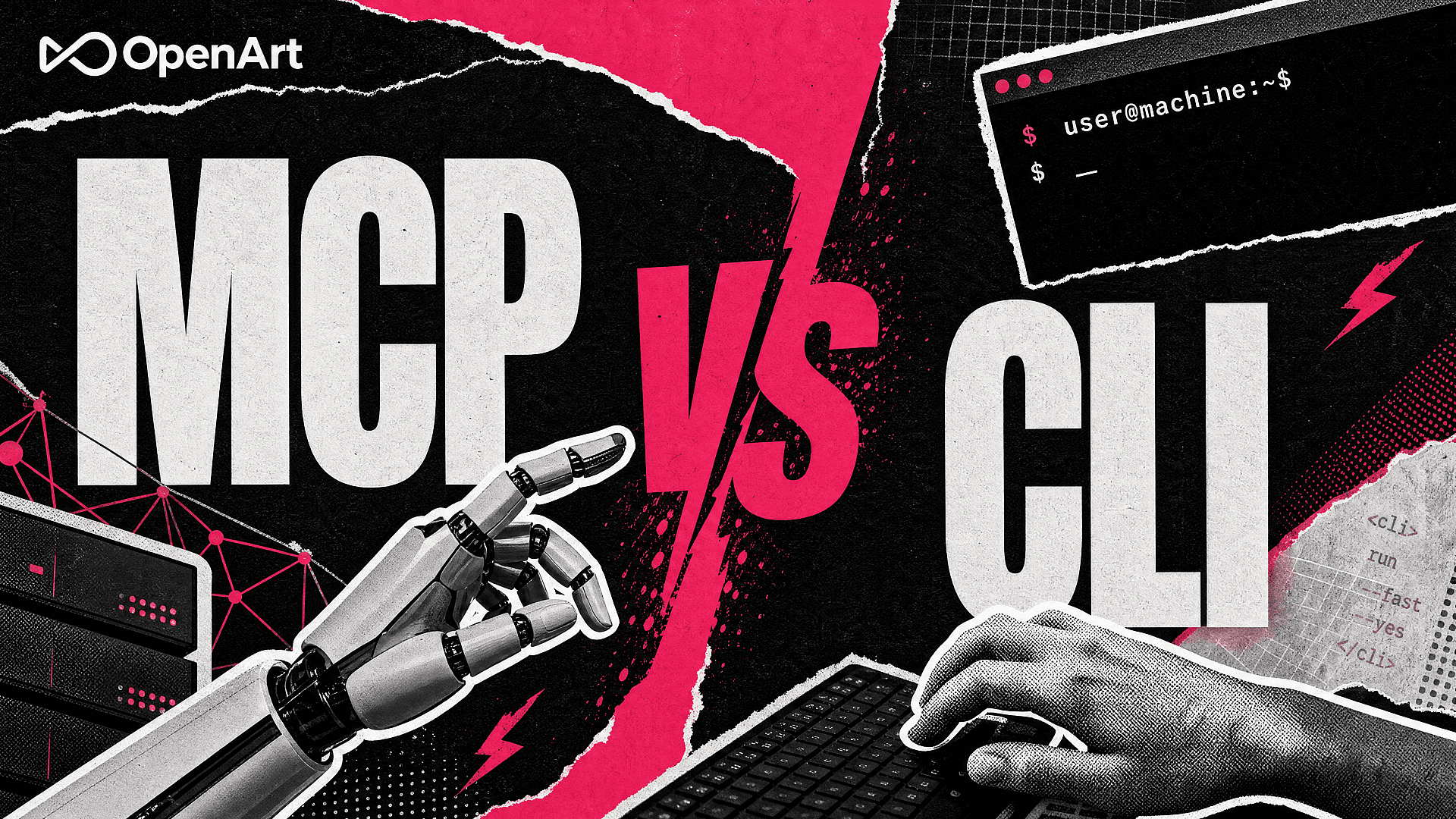
If you've ever asked Claude directly for an image and gotten a paragraph back instead, that's because Claude doesn't generate images on its own. Something has to plug that capability in, and there are two ways to do it: MCP, which connects generation straight into Claude, ChatGPT, or Cursor, and CLI, which runs from your terminal and scripts. Neither is objectively better. MCP wins when someone's asking for one asset at a time inside a conversation; CLI wins when you're rendering fifty variations in a loop or wiring generation into a pipeline nobody's watching day to day. One more thing before we go further: this isn't the developer's take on CLI as a coding-agent tool (for that, see our full terminal walkthrough). This is the version for whoever's actually running the campaign or the client account, where the right answer usually comes down to who's asking, not what's technically possible.
MCP itself isn't something OpenArt invented, and it isn't just Anthropic's anymore either. Anthropic created the protocol in 2024, but by December 2025 it had contributed MCP to the new Agentic AI Foundation, a Linux Foundation body co-founded by OpenAI, Anthropic, and Block, with Google, Microsoft, AWS, and Cloudflare backing it. The more telling sign is who's building on it right now: in May 2026, Runway, one of the best-known names in AI video, shipped its own MCP server so Claude, ChatGPT, and Cursor users can generate images and video without leaving the chat. When a platform that size ships the same integration this article is about, that's a good sign it's not a fad. CLI tools need no such introduction; people have been scripting software from a terminal for decades. What's actually new, this year, is that AI image and video generation now sit behind either one.
CLI vs MCP at a Glance: Setup, Cost, and Team Access Compared
Before the deep dive, here's the whole decision compressed into one table, covering where each one runs, what setup takes, who it's built for, and how teams manage access.
| Dimension | MCP (inside your chat agent) | CLI (your terminal) |
|---|---|---|
| Where it runs | Claude, ChatGPT, Cursor, Kimi, or any MCP-compatible client | macOS, Linux, or Windows terminal |
| Setup | Paste a connector URL, approve OAuth | Run an install script, then openart login |
| Best for | One-off or small-batch requests, mid-conversation | Loops, batch jobs, pipeline integration |
| Non-technical friendly | Yes | No, requires comfort with a terminal |
| Composability (chaining steps) | The agent coordinates tool calls within a conversation | Pipes and scripts connect generation to other tools |
| Team governance | Admin rolls out org-wide, each user authenticates individually | Tied to whoever's logged in on that machine |
| Where output lands | OpenArt library and the active project | Result URLs, with local downloads available through the -o flag |
| API key required | No (OAuth) | No (OAuth) |
| Credit usage | Uses credits from your connected OpenArt account | Uses credits from your connected OpenArt account |
You can use both on the same OpenArt account. Choose the interface that fits the task in front of you.
Key Features of OpenArt MCP & CLI
Most "MCP vs CLI" advice is written for developers shipping general-purpose agents, not for anyone actually trying to get an image or video out the other end. Here's what changes when generation is the job.
- Sign In Without Managing API Keys. Both paths connect through OAuth, so there's no key to generate, store, or rotate. The CLI is a standalone binary: no Python, no Node, no separate runtime to set up first. Authenticate each integration with your OpenArt account to start creating.
- Access Multiple Models Through One Connection. Whether you use OpenArt as a Claude AI image generator or run
openart generatein a terminal, you can access image and video generation without connecting to each model provider separately. Options include models such as GPT Image 2 and Seedance 2.5. Availability can vary by integration, so check the current model list before building a workflow around a specific model. - Match the Interface to the Work. Ask an agent for a hero shot mid-conversation and MCP keeps the brief and revisions together. When you need to loop through product angles or pass generated files into another process, CLI commands fit directly into shell scripts. MCP can also coordinate multiple generation requests; the distinction is whether you want an agent managing the workflow or a script defining each step.
- Keep Your OpenArt Account Connected. Both integrations use your OpenArt account and its credits. MCP keeps generation within your agent conversation, while the CLI can return result URLs or download files into a local folder for the next step in your workflow.
- Choose an Access Setup That Fits Your Team. MCP connector setup can be managed through your organization's supported agent settings, with teammates authenticating individually. The CLI runs under the OpenArt account signed in on that machine. Choose and manage the account and workspace deliberately when setting up shared workflows.
- Plan Multi-Shot Videos Through MCP. Smart Shot is available through OpenArt MCP. Give your agent a brief and reference images, preview the shot plan, then continue to video generation. This lets you review the framing, sequence, and motion before generating the video. For a broader comparison with other providers, see our rundown of MCP servers for image and video generation.
How to Use OpenArt's MCP and CLI
Go from setup to your first generation in three steps.
If your team already works in ChatGPT, you can use OpenArt as a ChatGPT AI video generator to create campaign clips from a brief or reference image. Connect your account, describe the video, and refine it in the same conversation.
Step 1: Connect. For MCP: open your agent's connector settings (in Claude, that's Settings → Connectors → Add custom connector; for a Cursor MCP connection, go to Settings → MCP & Integrations → New MCP server) and paste https://mcp.openart.ai/mcp. ChatGPT works a little differently, since it's an installable plugin rather than a pasted URL.
For CLI: run the install script for your OS (curl -fsSL https://raw.githubusercontent.com/OpenArt-AI/cli/main/install.sh | sh on macOS/Linux, the PowerShell equivalent on Windows). If you want every flag and command instead of just the basics, our CLI guide covers the full reference.
Step 2: Authenticate. Both paths use OAuth. In your agent, sign in to OpenArt and approve the connection. In the terminal, run openart login and approve access in the browser tab that opens.
Step 3: Generate and choose where to save. In chat, describe what you want; the agent can help select a model unless you name one. In the terminal, name the model and an output folder explicitly, for example openart generate image "your prompt" --model nano-banana-2 -o ./out/, so the file lands where your next step expects it. The CLI can return a result URL or save the generated file locally.
Commands and Prompts You Can Copy and Paste
Eight starting points, four for the terminal and four for chat, focused on product photography and short-form video for agencies and marketing teams. Swap in your own prompt, model, or project name. Run openart model list to confirm the model identifiers available to your CLI.
CLI: Generate a single product shot from a text prompt
openart generate image "a matte black wireless earbuds case on a marble countertop, soft studio lighting" --model nano-banana-2 -o ./assets/earbuds/
CLI: Batch-render ten variations for an ad test
for i in {1..10}; do openart generate image "citrus soda can splashing with fresh orange slices, e-commerce hero shot" --model gpt-image-2 -o ./assets/soda/variant_$i/; done
CLI: Generate a video after signing in
openart login
openart generate video "healthcare explainer: patient walking through a bright, calm clinic hallway" --model kling-3-omni -o ./assets/patient-video/
CLI: Save a rendered asset to a folder your build script watches
openart generate image "matte black wireless earbuds, product photography, white background" --model gpt-image-2 -o ./out/
MCP (Claude or ChatGPT): Turn a reference photo into a short campaign video
"Using OpenArt, turn this product photo into a 10-second vertical video with the can rotating slowly and juice splashing around it. Use Seedance 2.5."
MCP: Check credits before a batch of generations
"Check my OpenArt credit balance and quote the cost of ten product images before generating anything."
MCP: Plan a multi-shot product video
"Use OpenArt Smart Shot to plan a cinematic sneaker commercial from these reference images. Show me the shot plan before generating the video."
MCP: Revise a reference asset through conversation
"Using this approved product image as the reference, make a version with a blue background. Keep the product's shape, logo, and packaging unchanged."
Who Actually Uses Which, and For What
Both paths connect to OpenArt generation, so which one fits comes down to how you work and how often you're generating.
You're running several client accounts at once. When your creative director wants to see options right now, MCP inside Claude or ChatGPT keeps the brief and revisions in one conversation. When someone on your team needs forty variations of the same brief, a CLI script lets you repeat the generation command with controlled changes. For what the chat side looks like end to end, see turning a Claude conversation into a full product ad campaign. If video is your deliverable, OpenArt's Claude AI video generator lets you describe a shot and refine it through a Claude conversation. For a multi-shot sequence, use Smart Shot to review the plan before continuing to video generation.
You're on a brand's in-house marketing team. MCP is useful while the brief is still changing: you can discuss a concept, generate options, and request revisions in the same conversation. Once a direction is approved, the CLI can handle repeatable generation tasks with explicit prompts, model choices, and output folders. Keep your existing brand and approval process around either workflow, and review generated text, product details, and visual consistency before an asset ships.
You own the automation. If your team already has a content pipeline, a CMS webhook, or a batch job, the CLI slots into it the way another command-line tool would: called from your script and writing files to your folder. Machine-readable output and asynchronous jobs let you connect generation to the next step without keeping a chat window open.
Opening a terminal isn't part of your job. MCP lets you stay in the chat interface you already use. Describe the asset, supply references, review the result, and explain what needs changing. You can also ask for a Smart Shot plan when the task calls for a multi-shot video.
FAQ
What's actually different between MCP and CLI for AI image generation?
MCP connects OpenArt to your chat agent, so you generate by describing what you want in conversation. CLI runs in your terminal, so you generate by running commands that can be scripted, repeated, and connected to other tools. Both use your OpenArt account; model and feature availability can vary by integration.
Can CLI replace MCP, or the other way around?
You don't have to pick just one. Use MCP for interactive briefs and revisions, and CLI for repeatable commands or automated jobs. Both can be used with the same OpenArt account, so you can choose the interface that fits each stage of a project.
Is MCP basically the same thing as an API?
MCP is a protocol that lets an AI application discover and call tools provided by a server. With OpenArt MCP, you connect your agent and sign in through OAuth, then ask the agent to use OpenArt's tools. An API is a broader way for software systems to communicate; a developer typically integrates it directly into an application. MCP gives the agent a standard way to work with those capabilities.
Do I need an API key for either one?
No. Both OpenArt's MCP connector and CLI use OAuth sign-in tied to your existing account. There's no API key to generate or rotate.
How do credits work with MCP and CLI?
Generations use credits from the OpenArt account connected to the integration. Costs depend on the model and generation settings. Ask your agent to check the cost before generating, or run openart model cost in the CLI to review available pricing information.
Which models can I use through MCP vs CLI?
Both provide access to OpenArt image and video generation models, but availability can vary by integration and change over time. Check the current options in your connected agent, or run openart model list in the CLI before choosing a model for a workflow. Smart Shot is also available through MCP, with a shot-plan preview followed by video generation.
Can I use Smart Shot through MCP?
Yes. Give your connected agent a brief and reference images, then ask it to use OpenArt Smart Shot. You can preview the shot plan before continuing to video generation, so you have a chance to review the planned sequence before generating the video.
Can my whole team use OpenArt through MCP?
Team setup depends on the AI application's plan and administrator settings. Where organization-wide connectors are supported, an admin can add the OpenArt connection and teammates can authenticate with their own OpenArt accounts. Follow the setup instructions for your agent and choose the appropriate OpenArt workspace before generating.