Image to Cartoon
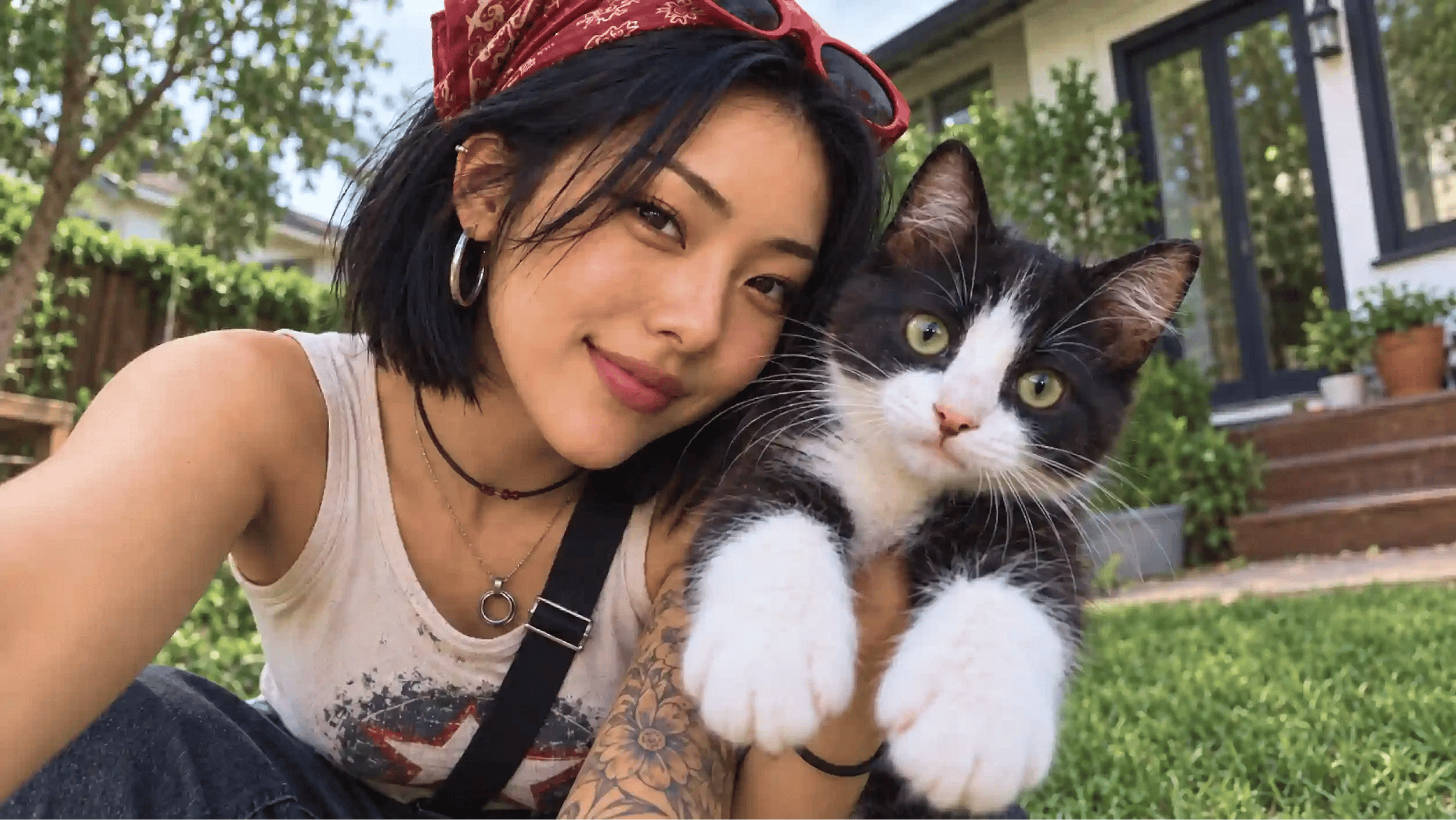
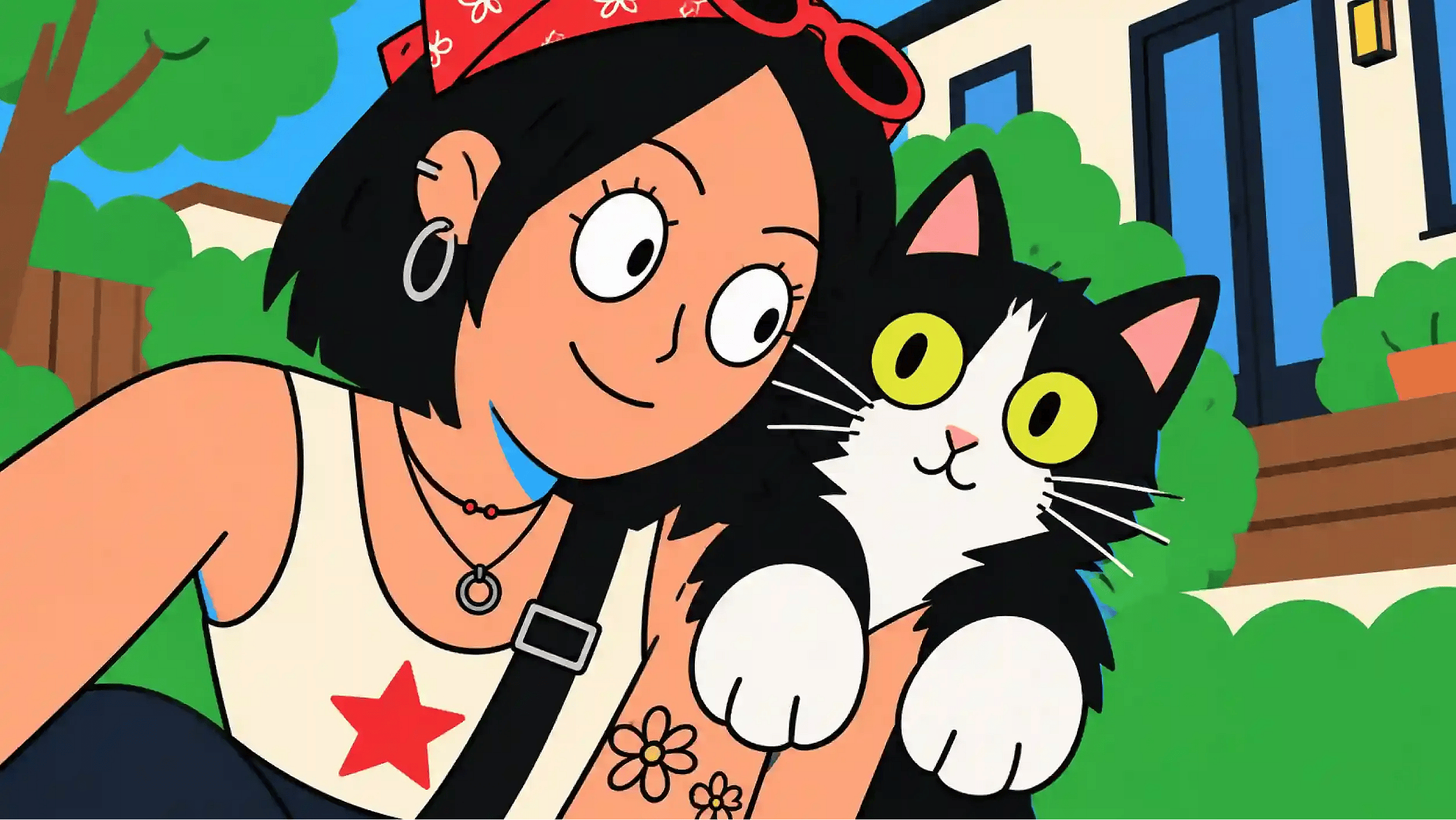
An image to cartoon converter restyles a real photo into a drawn look, anime, Western animation, comic ink, Pixar-like 3D, while keeping the subject's actual face and features recognizable.
 Add an image Or drag and drop here · JPEG, PNG, WEBP, HEICJPEG, PNG, WEBP, HEIC
 Explore Trending Image to Cartoon AI Templates
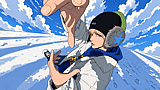
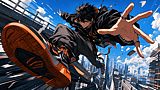
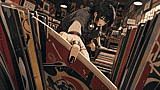
Browse popular styles for turning photos into cartoons, from anime and 3D characters to comic-book art and playful avatars. Choose a template, upload your image, and create a personalized cartoon with AI.
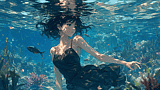
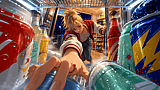
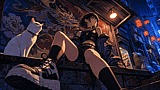
Key Feature of Image to Cartoon AI
Control Every Cartoon Style
Pick a starting style like Ghibli-style anime or Pixar, then type what you want changed: shading, color palette, line thickness, background. You're not stuck with whatever the first render gives you.
Keep Your Features Recognizable
The tool locks onto face shape, hair, and skin tone before it restyles the image, so a cartoon version of you still reads as you and not a generic stand-in with your hair color.
Cartoonize Groups and Pets
Turn couples, families, friends, and pets into one cohesive cartoon while keeping each subject recognizable. For reusable subjects, try our AI character generator.
Edit Without Starting Over
If the eyes came out wrong or the background needs to change, inpainting lets you redraw just that area or swap a color, rather than regenerating the whole image and hoping the rest still matches.
Turn Cartoons Into Characters
Once you have a cartoon version of yourself or a pet, the same OpenArt workspace lets you generate more angles, animate it, or build it into a consistent character you can reuse across projects, instead of a one-off image that dead-ends.
Explore Multiple Cartoon Styles
Turn the same image into anything from a clean comic illustration to a colorful animated character. Unlike basic cartoonizer tools that apply one generic filter, Image to Cartoon AI lets you guide the look so the result better matches your subject, mood, and creative project.
How to Use the Image to Cartoon AI
From Photo to Finished Cartoon in Three Steps
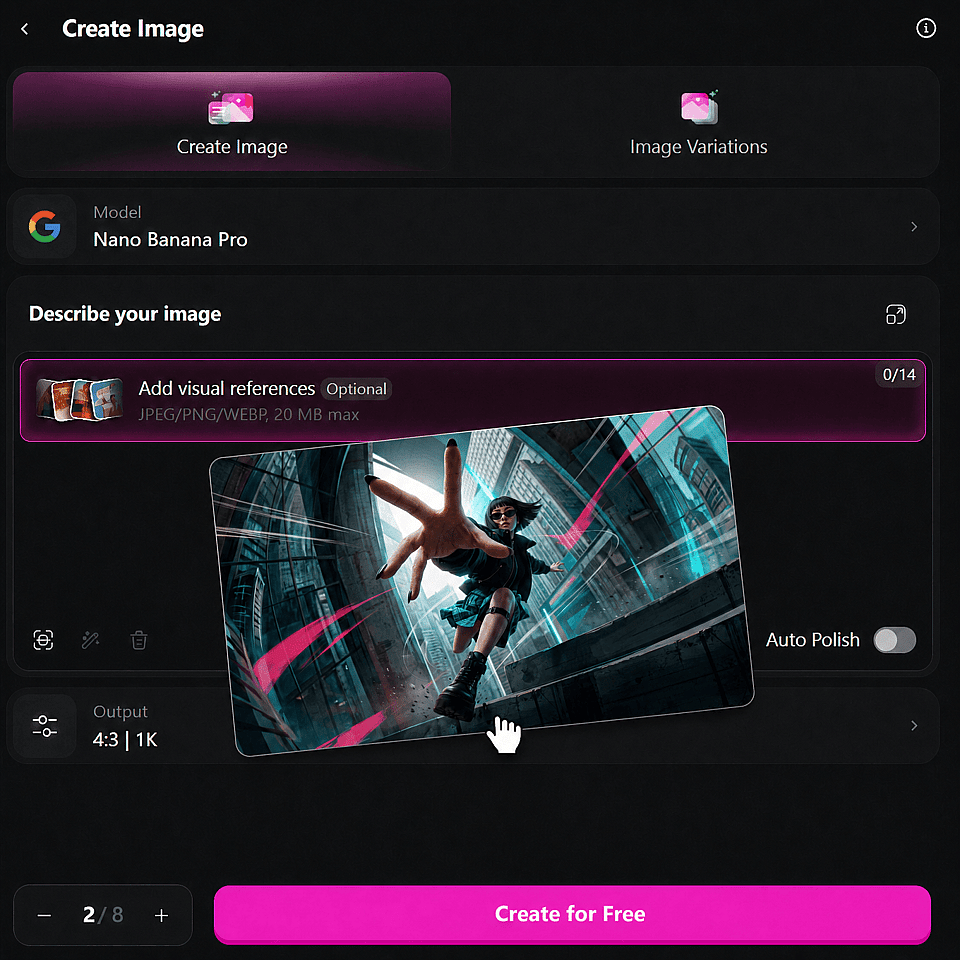
Upload a clear photo
JPEG, PNG, or WEBP. Front-facing portraits with decent lighting give the cleanest results. Group shots and pet photos work too.
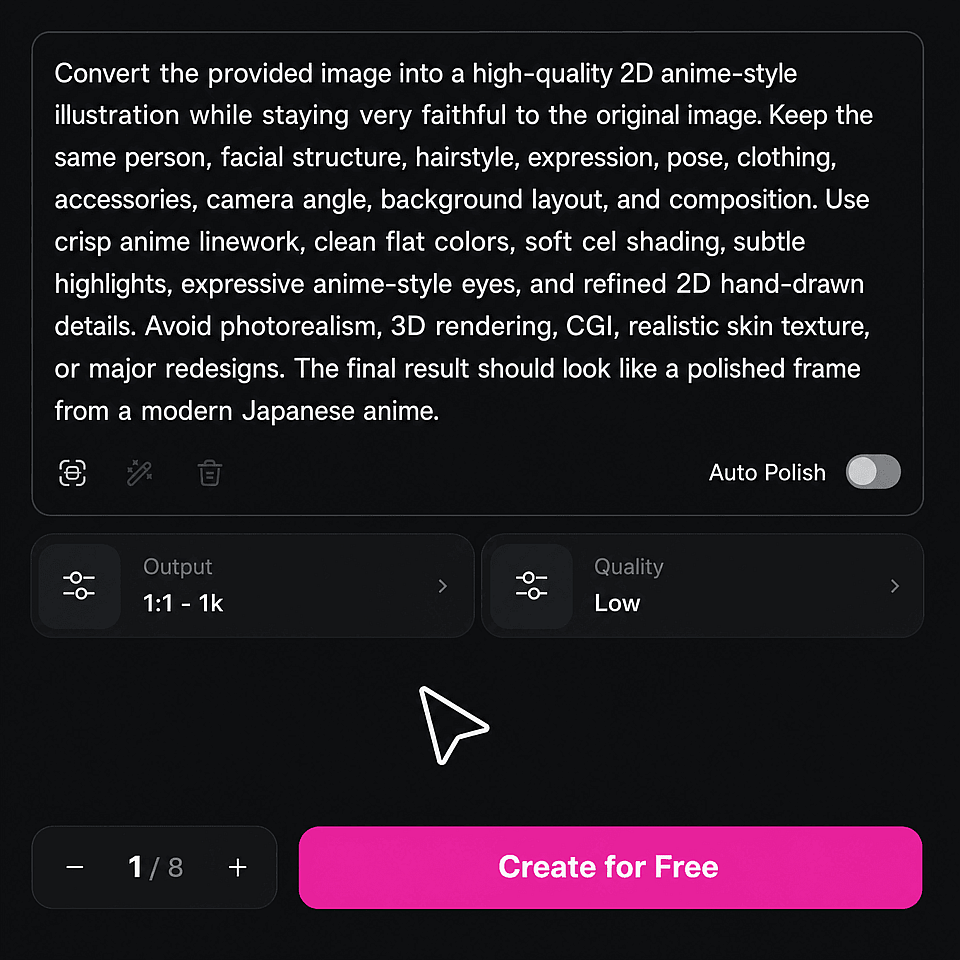
Describe what you want
Simply write text prompt to describe the look. Mention specific details like eye size, shading style, or color palette if you have one in mind.
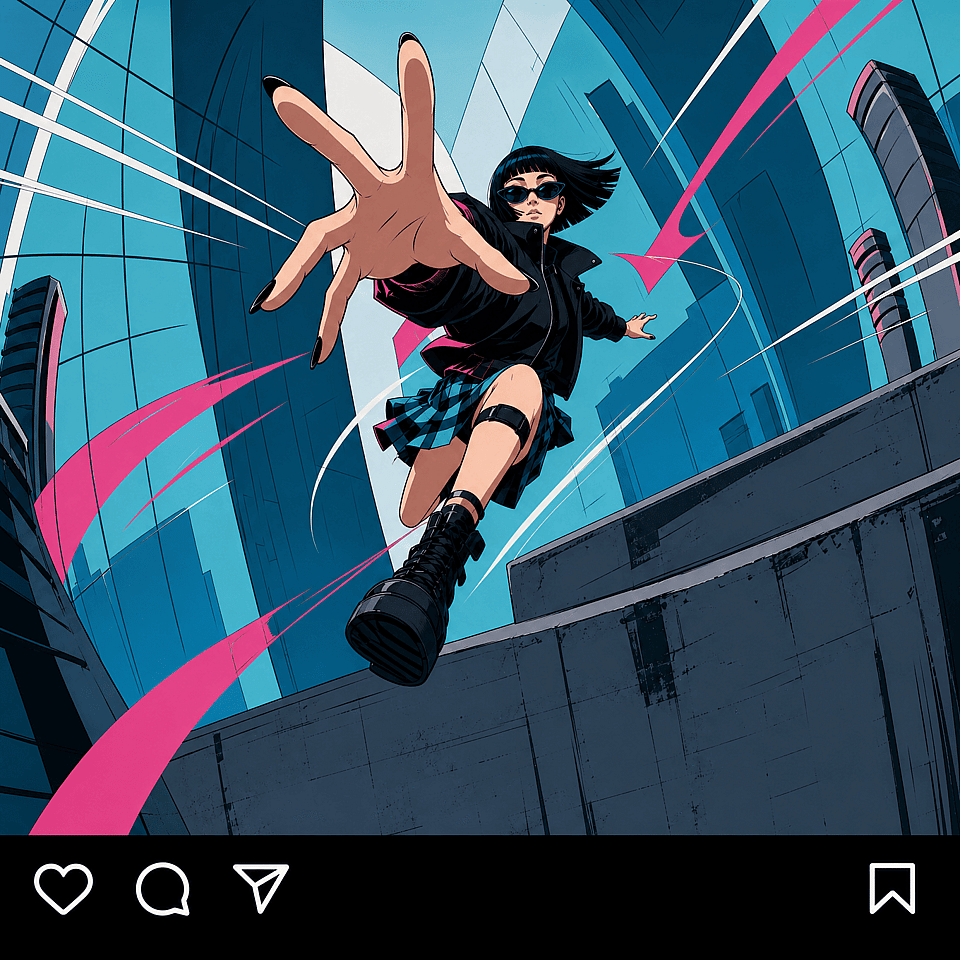
Generate and download
Get your cartoon in seconds. If something's off, use inpainting to redraw just that part, or regenerate with an adjusted prompt. Download in high resolution with no watermark.
What You Can Create with Photo to Cartoon AI
This cartoon photo maker covers more than a single filter look. Here's where people actually use it.
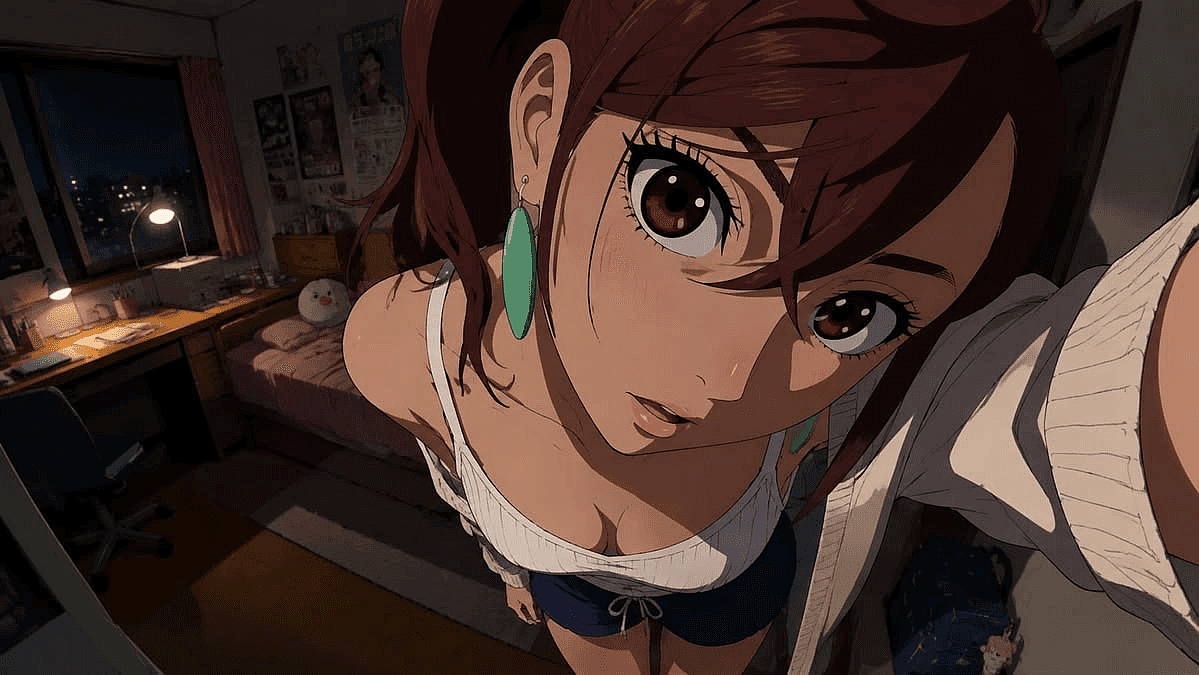
Anime and Manga-Style Portraits
A straightforward photo-to-anime conversion: use our AI image generator to turn a selfie or portrait into anime art for a profile picture, a manga-style panel, or fan art of yourself. Works especially well with Nano Banana 2 and Seedream 5.0 Pro for clean line work and cel shading.
Try it Now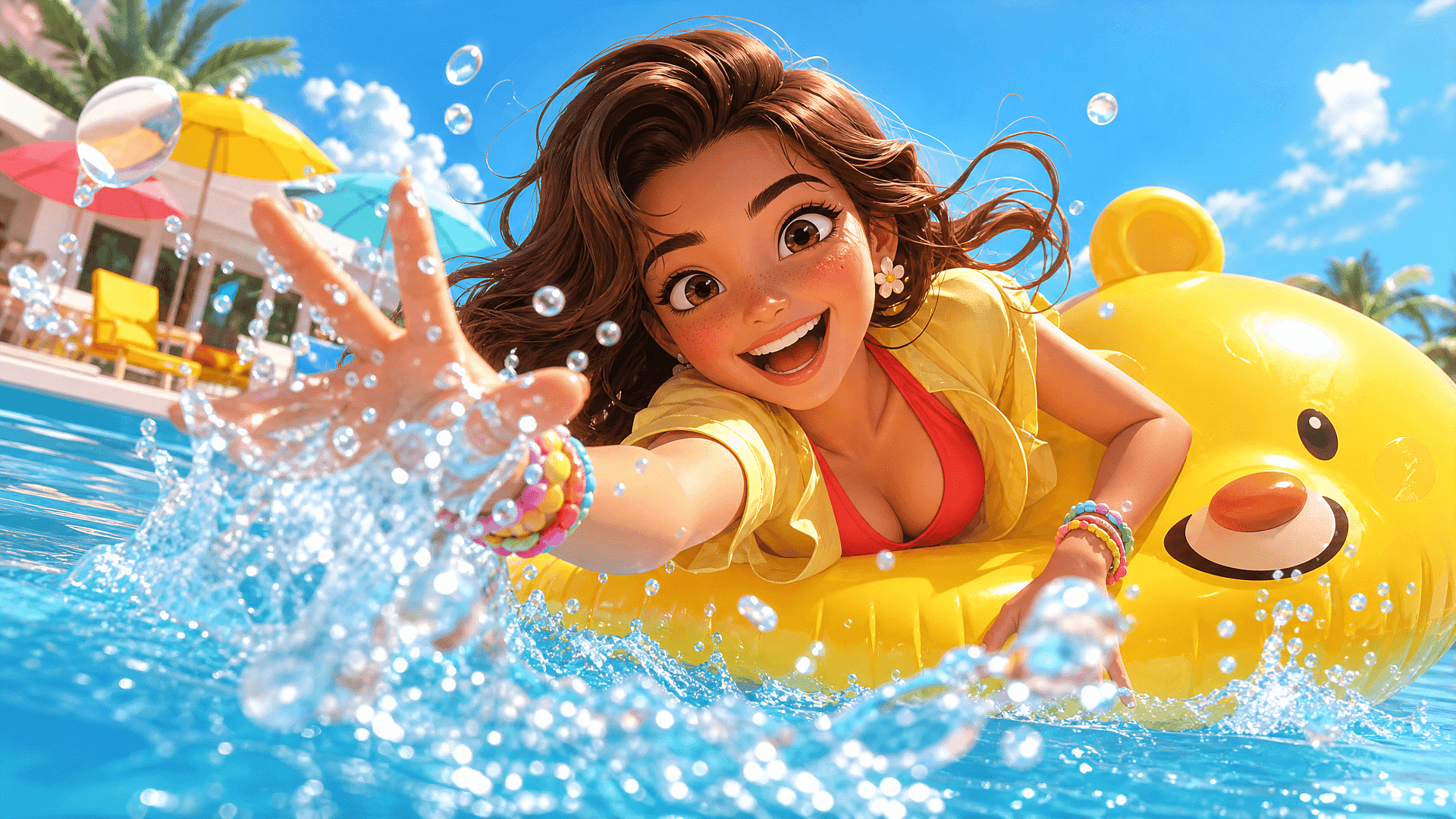
Pixar and 3D Cartoon Characters
For a photo to 3D cartoon result, restyle a photo into a Pixar-like character, with the rounded shading and expressive features associated with modern animated movies. Popular for family portraits and personalized avatars. See the dedicated 3D Cartoon Generator for more angle and pose options.
Try it Now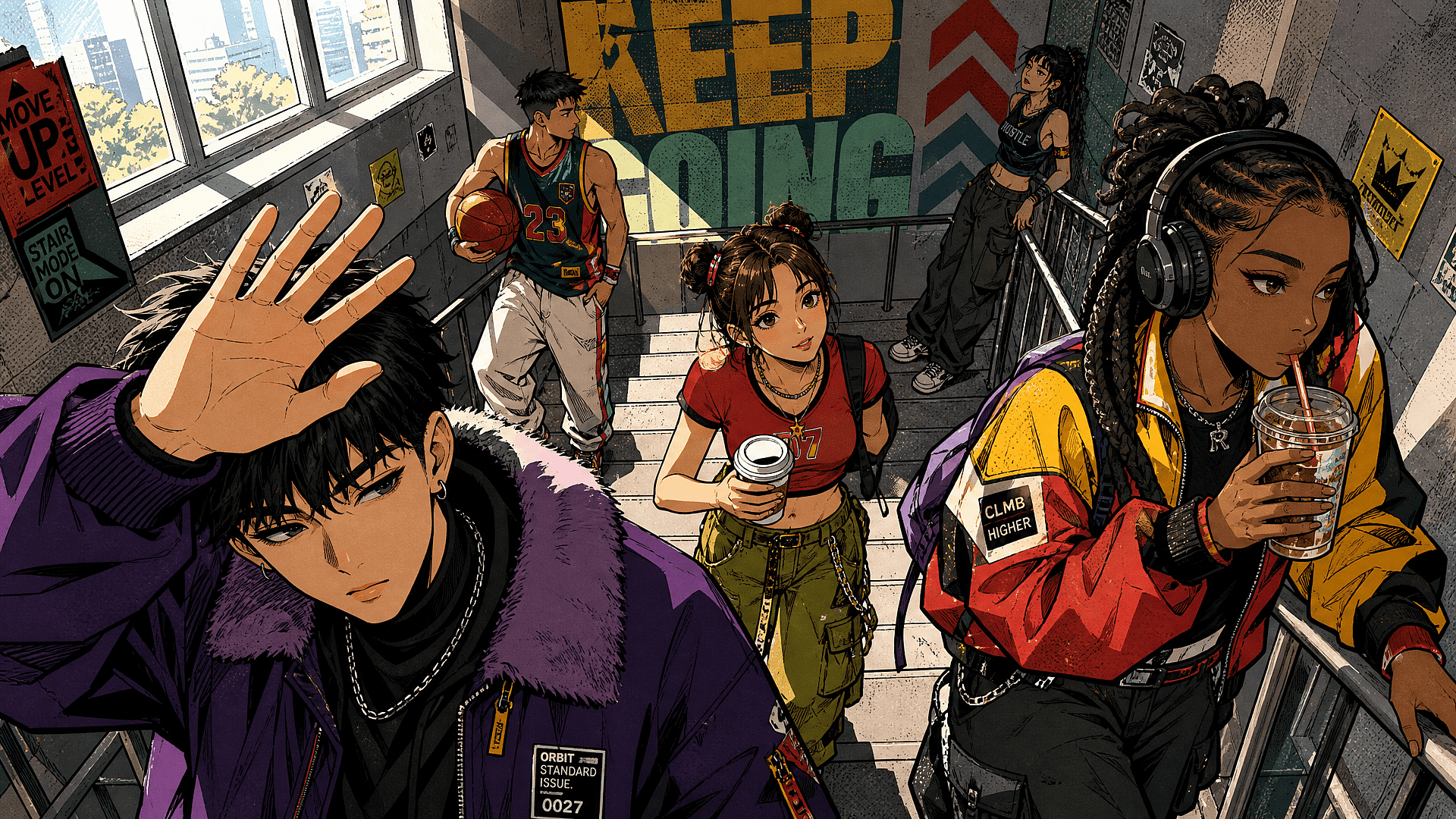
Comic Book and Ink Illustrations
A photo to comic conversion with bold outlines, halftone shading, and dramatic lighting for a comic cover look. Good for gift prints or a stylized alternative to a standard headshot. For clean ink-only outlines, try photo to line drawing.
Try it Now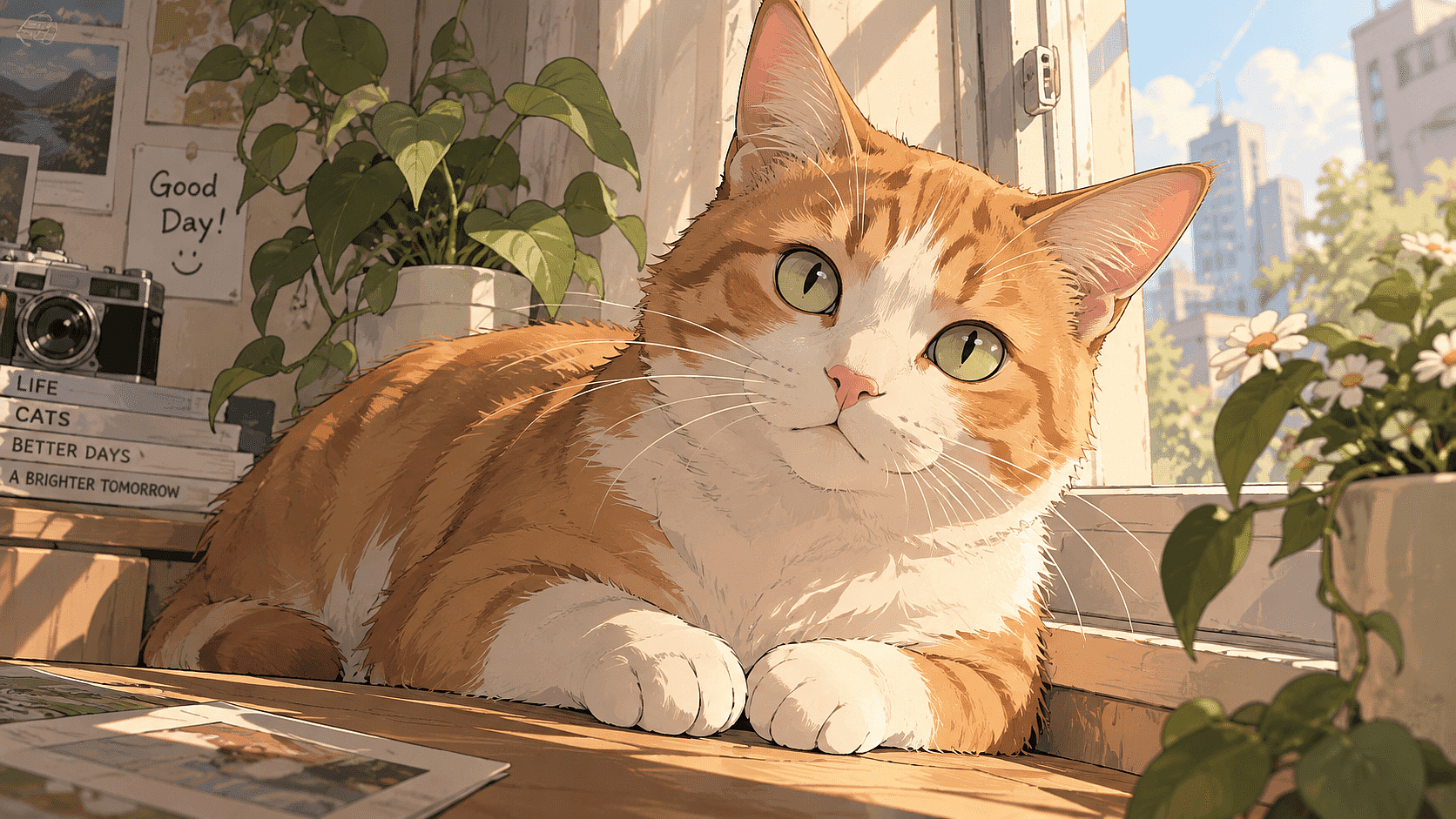
Pet Photos to Cartoon
Upload a dog, cat, or any pet photo and get a cartoon version that keeps the fur pattern, ear shape, and expression recognizable, not a generic cartoon animal.
Try it Now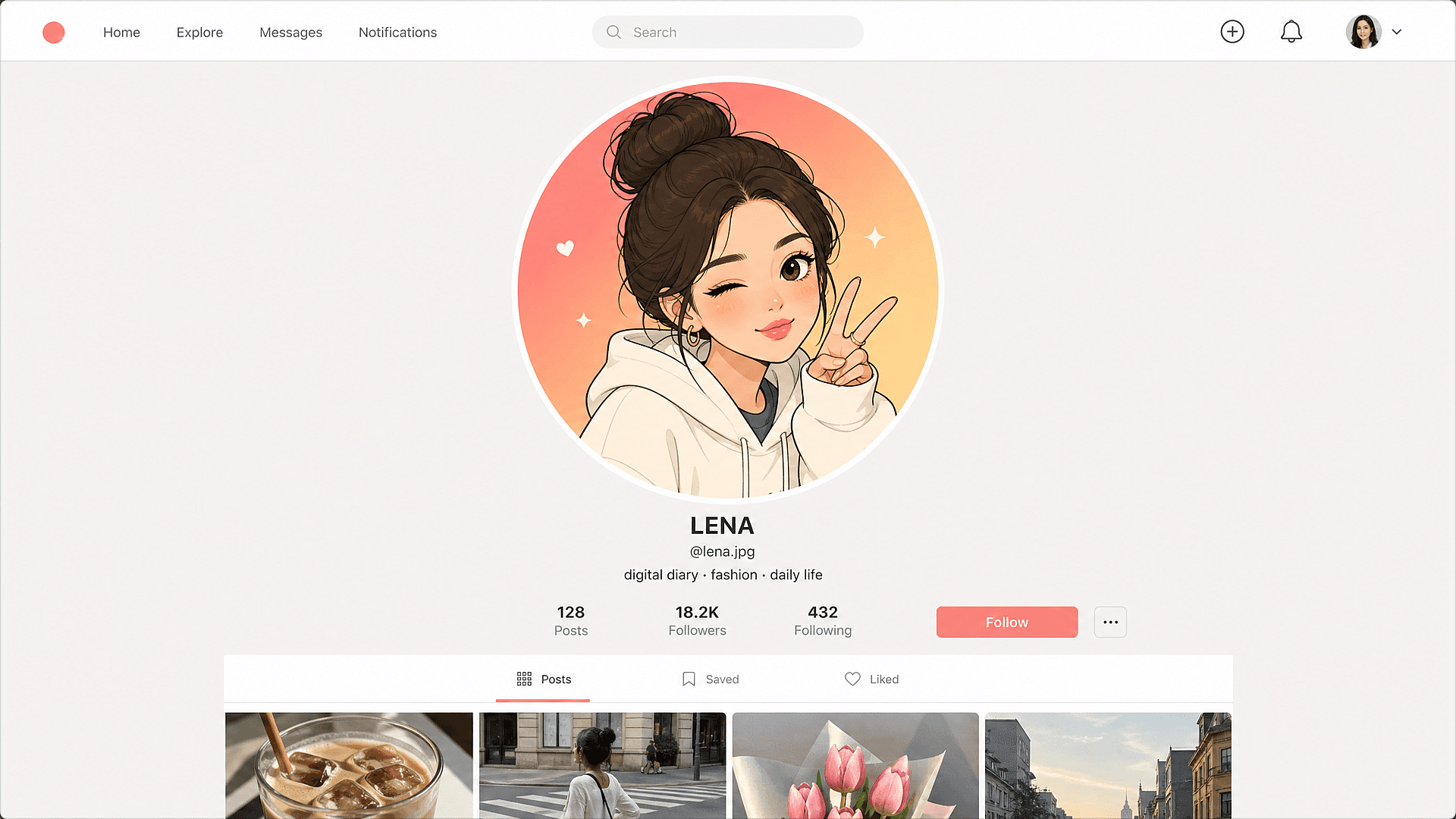
Cartoon Avatars for Social Media
Used as a cartoon avatar maker, this gives you a flat-color, simplified cartoon version of your headshot for a profile picture, similar to what a Bitmoji or Memoji does, but generated from your actual photo instead of an avatar builder with limited features.
Try it NowExplore the Latest AI Image and Video Models
These are the models powering everything you can create on OpenArt, from a single image to a full video.
Frequently Asked Questions
A tool that restyles a real photo into a drawn art style while keeping the subject's face, features, and expression intact.
Upload a JPEG, PNG, or WEBP photo, describe the cartoon style you want (anime, Pixar-like 3D, comic, or classic toon), and generate. Photo to cartoon works the same way for selfies, group shots, and pet photos, and you can redraw any area with inpainting before downloading.
You can generate Western cartoon styles, anime, comic book art, watercolor, pixel art, and more. Use reference images or text prompts to guide the look.
Yes. Use OpenArt's inpainting tools to redraw specific areas, swap colors, or change expressions. You can also upscale the final cartoon for print or high-res posts.
Upload your photo to OpenArt, select a cartoon style preset or prompt, and the AI redraws your image in that style. You get a cartoon version in under a minute. No drawing skills required.
Yes. Upload a portrait or selfie, choose a cartoon or anime style, and OpenArt generates a stylized version. Adjust the look with different prompts or style references.
No. Upload an image, type the style you want, and OpenArt handles the rest. Creators with zero design background use it every day.
Get Insights from Experts Blog
Get the insights you need. Our experts share actionable hacks, break down the hottest topics, and provide essential how-to guides to help you build, optimize, and scale.
Read More
